New Applications in Slack, Teams and Chatwork
Tell the right channel the moment an application or enquiry arrives. Chat messages say what happened and link into the admin; they never carry a candidate's name or contact details. A signed webhook reaches your own systems.
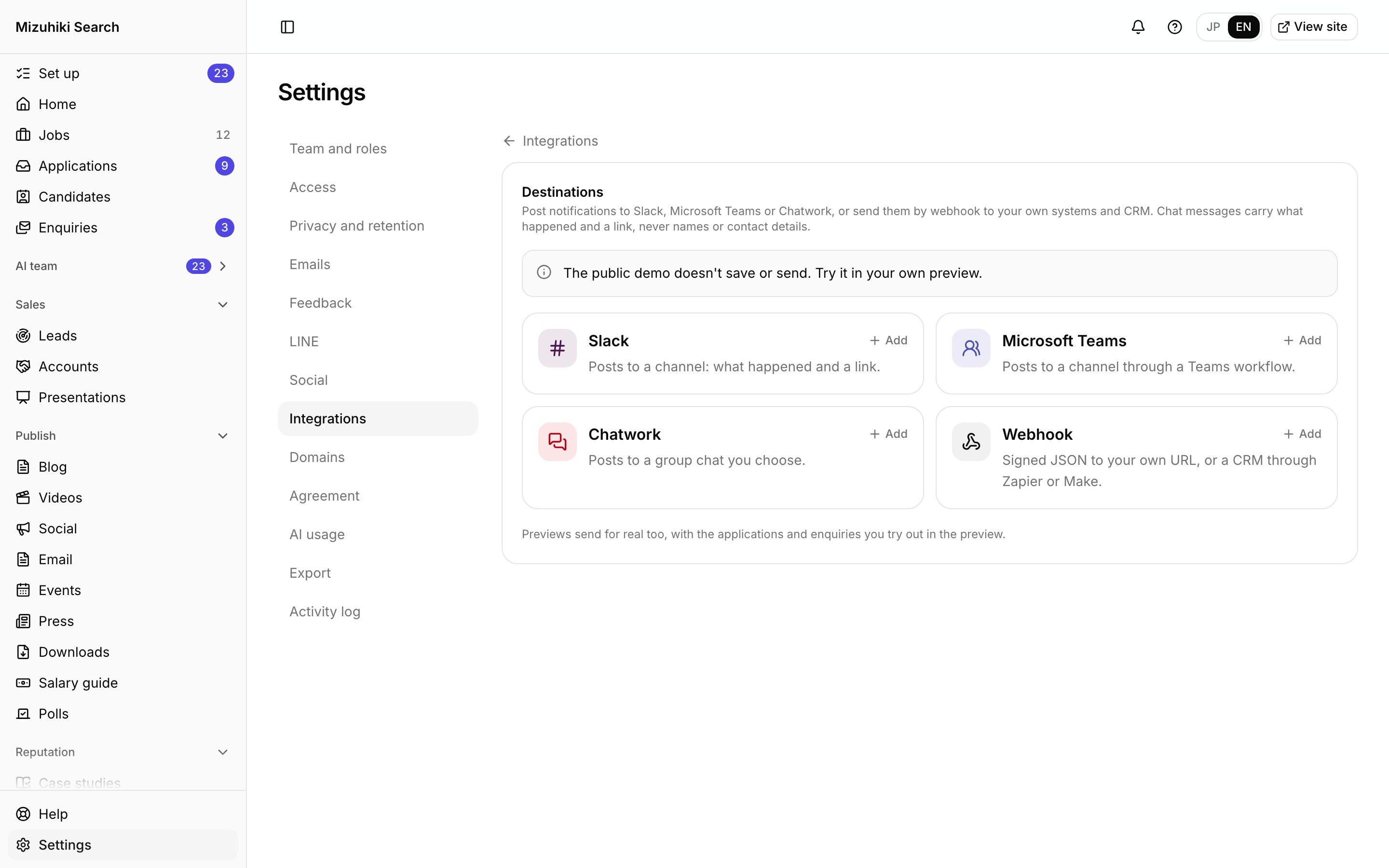
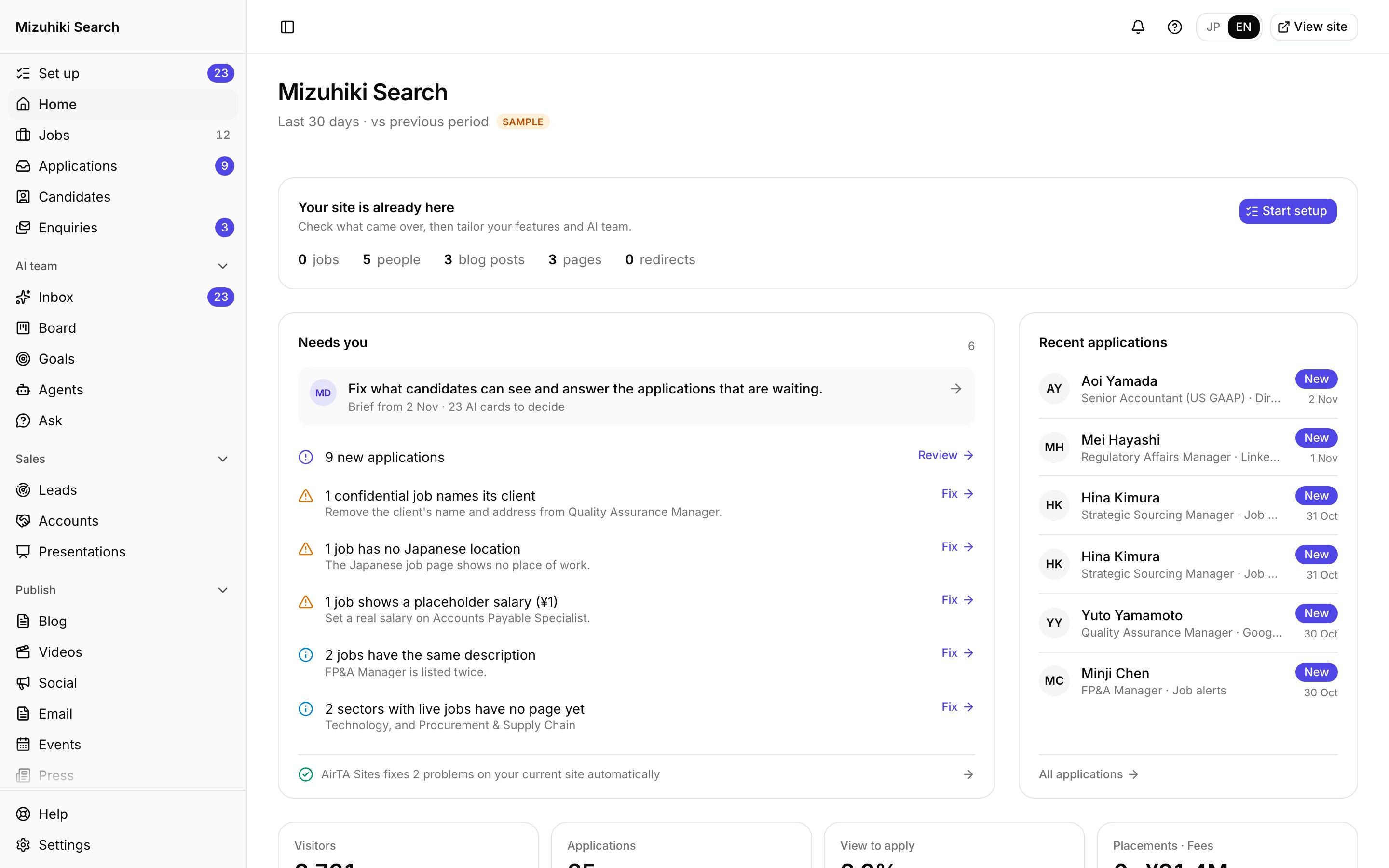
Real screens from Mizuhiki Search, a demo agency. Every name and figure on them is a sample.
How it works
Your team hears about it where they already work
01 · Destinations
Slack, Teams, Chatwork or a webhook
Add as many as you need, each to its own channel or group chat. Previews send for real, with the applications you try out.
Admin · Settings · IntegrationsOpen it live02 · Set up
Paste one address, choose what it hears
Each service comes with its own setup steps. Pick the notifications it gets, from new applications and withdrawals to enquiries. The address is stored encrypted, and the screen only shows its end.
Admin · Settings · Integrations · Add Slack Open it live
03 · In the admin
One link to the application
The message links straight to the application in your admin, where the details are, behind sign-in.
Admin · Applications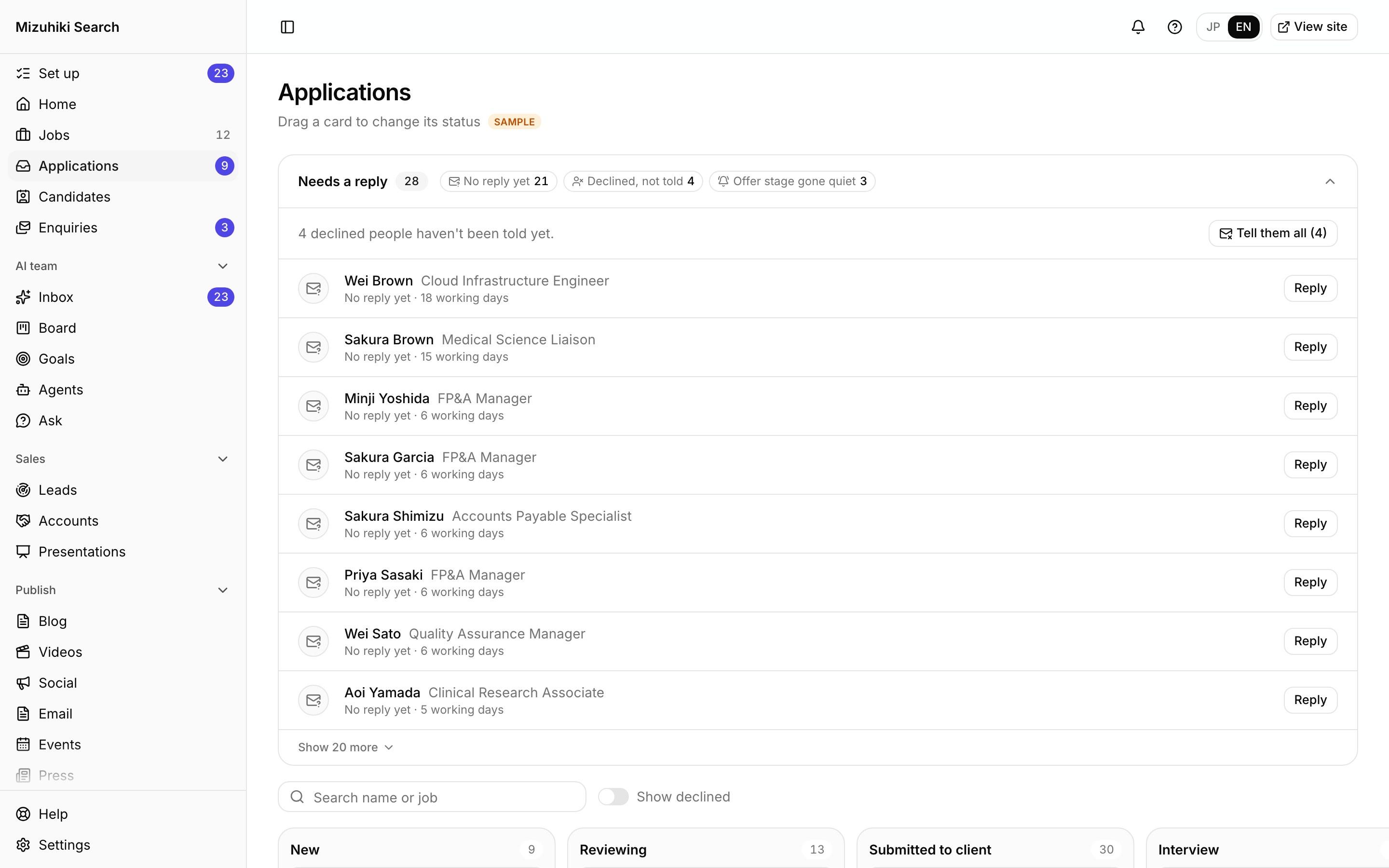 Open it live
The Details That Matter
No personal data in chat
Slack, Teams and Chatwork get what happened and a link, never names or contact details.
Signed webhooks
Each webhook call carries an HMAC-SHA256 signature, so your system knows it came from us. Contact details go only if an owner switches them on.
Retries built in
A failed delivery is tried again after 1 minute, 10 minutes, 1 hour and 6 hours, and the screen shows how many tries each one took.
Send a test
Post a sample application, marked as a test, and see whether it arrived before you rely on it.
See It on Your Own Agency
We'll rebuild your home page and a job page with your real jobs, on a private link, and open the admin for you to try.
Start free trial