Roles, Two-Step Sign-In and an Activity Log
Invite colleagues with one of four roles, sign them in with a code sent to their work email, and require two-step sign-in for everyone. Every change lands in a log nobody can edit.
Real screens from Mizuhiki Search, a demo agency. Every name and figure on them is a sample.
How it works
Who can see what, and a record of what they did
01 · Roles
Four roles, checked on the server
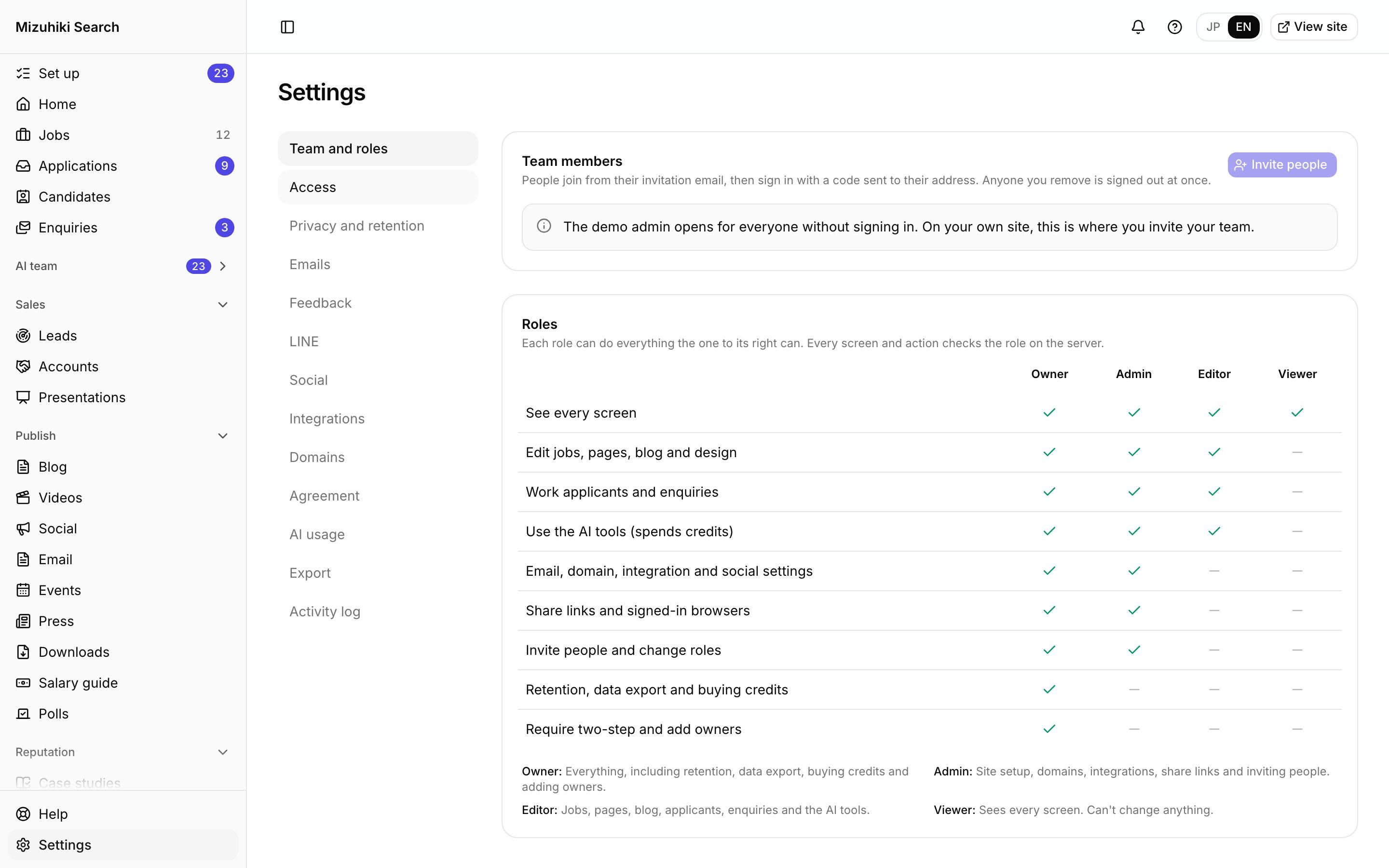
Owner, admin, editor and viewer. Each role can do everything the one below it can, and every screen and action checks the role on the server, not only in the menu.
Admin · Settings · Team and rolesOpen it live02 · Owners only
The sensitive switches stay with owners
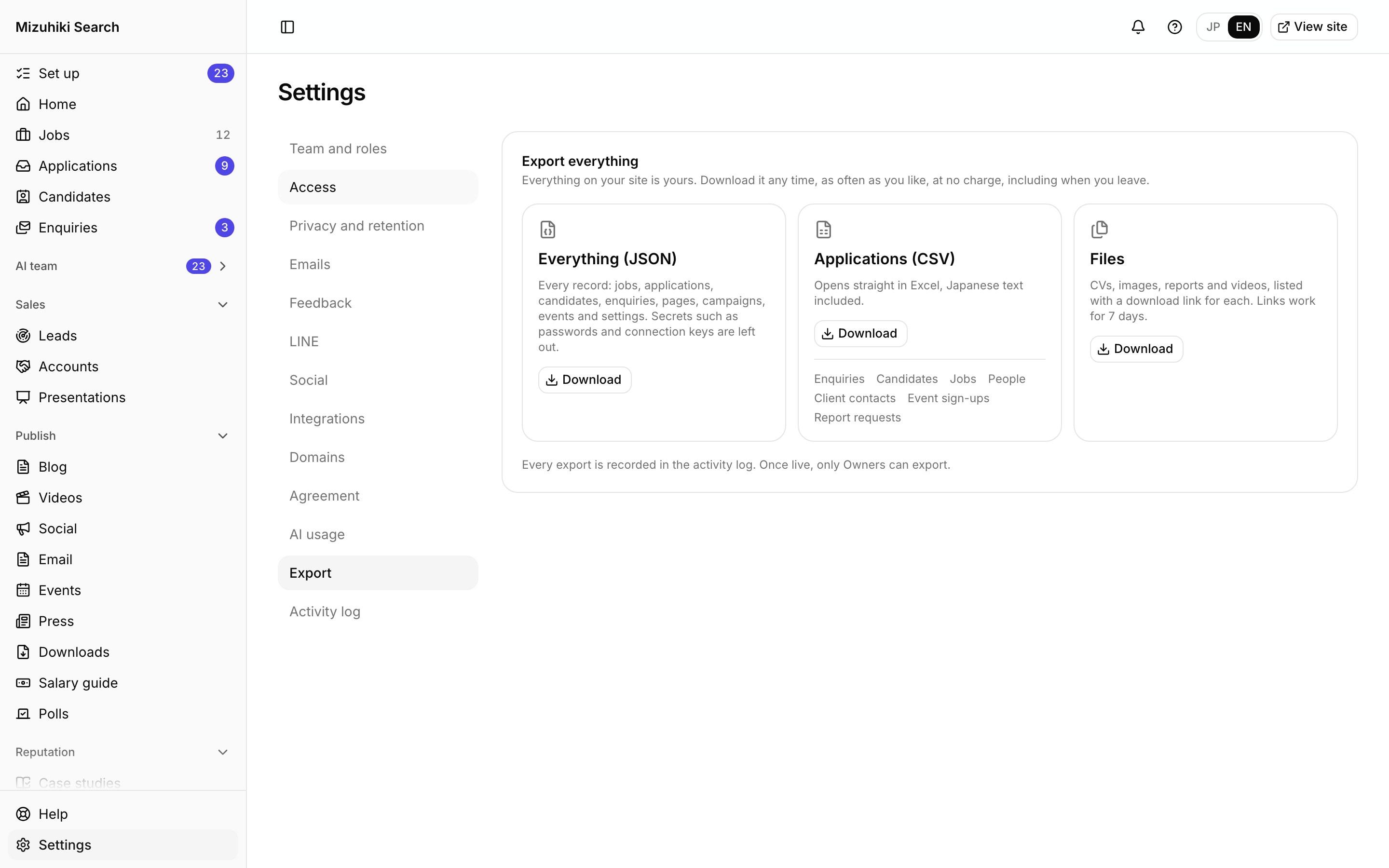
Retention periods, data export, buying credits and adding owners are for owners. Editors work jobs, pages and applicants; viewers can look and change nothing.
Admin · Settings · Privacy and retention Open it live
03 · Sign-in
No passwords to reuse
People join from their invitation and sign in with a code sent to their work email; the device then stays signed in for 14 days. Owners can require two-step sign-in for the whole team.
Admin · Sign in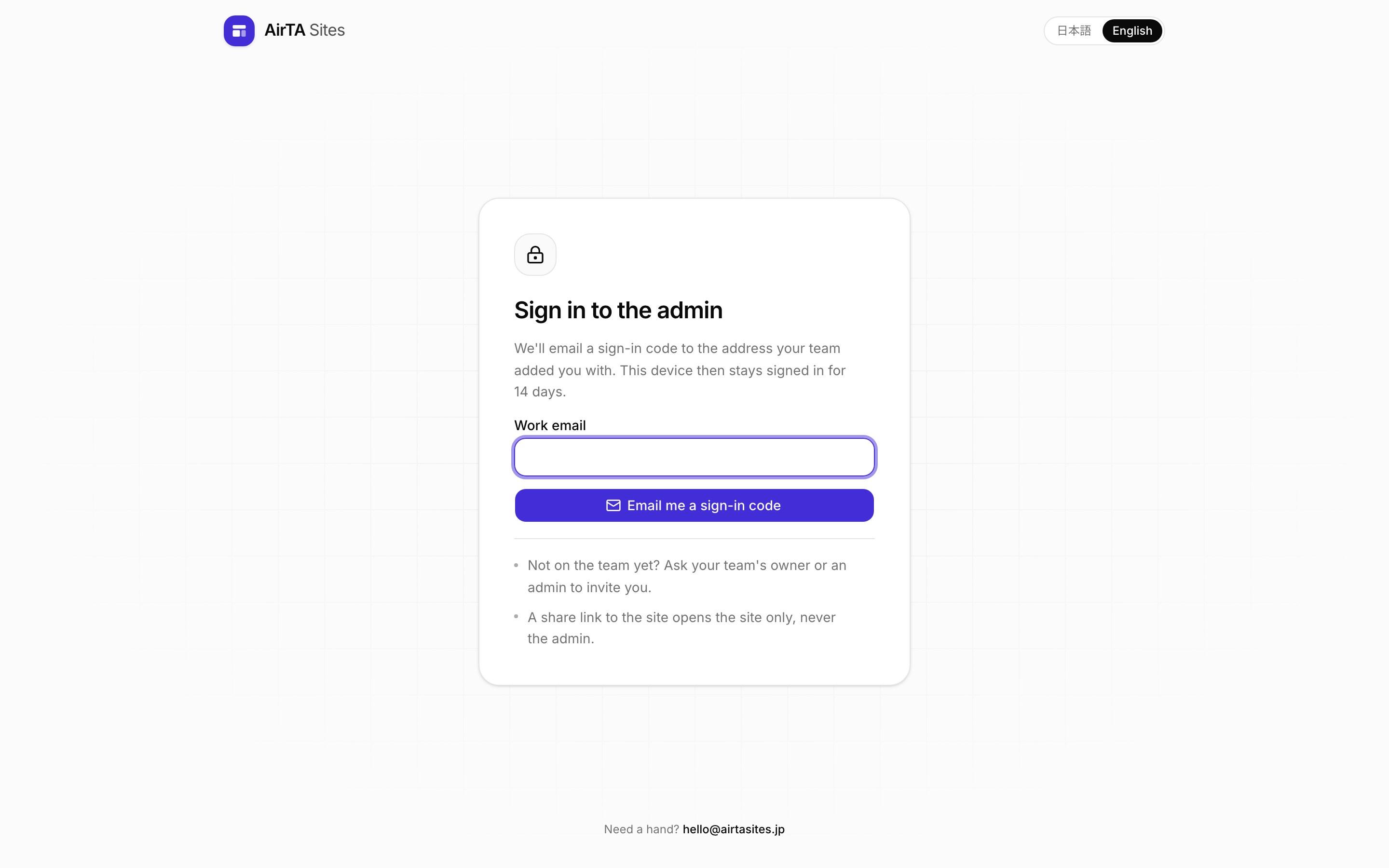
Open it liveThe Details That Matter
An activity log nobody can edit
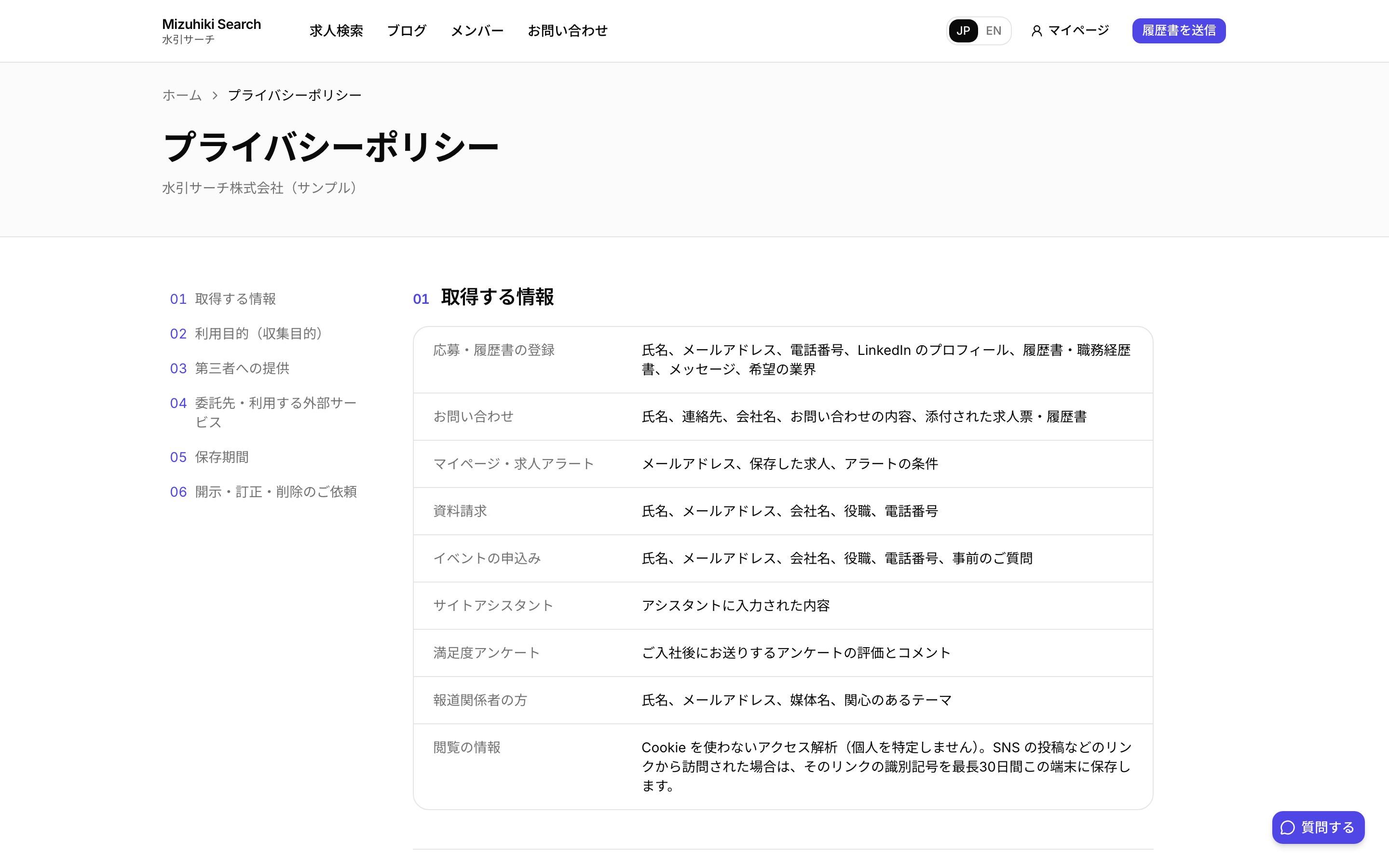
Every change, agent run and support visit is recorded, append-only. Changes to candidate records are described, never copied into the log.
AirTA support, labelled
If AirTA helps set you up, it appears as a labelled support seat with admin rights only. It can't export your data, and you can remove it any time.
Two-step for everyone
Owners can require it for the whole team. Secrets are stored encrypted and recovery codes are stored hashed.
Removed means removed
Taking someone off the team ends every browser they were signed in on.
Works with
One Product, Every Tool Connected
See It on Your Own Agency
We'll rebuild your home page and a job page with your real jobs, on a private link, and open the admin for you to try.
Start free trial