One-Step Applications with a CV, on Any Phone
Candidates apply from the job page with a CV or just a LinkedIn profile, on a phone in about a minute. Every file is checked before it's kept, and stored where only your team can open it.
Real screens from Mizuhiki Search, a demo agency. Every name and figure on them is a sample.
How it works
From the apply button to the CV on your screen
01 · Apply
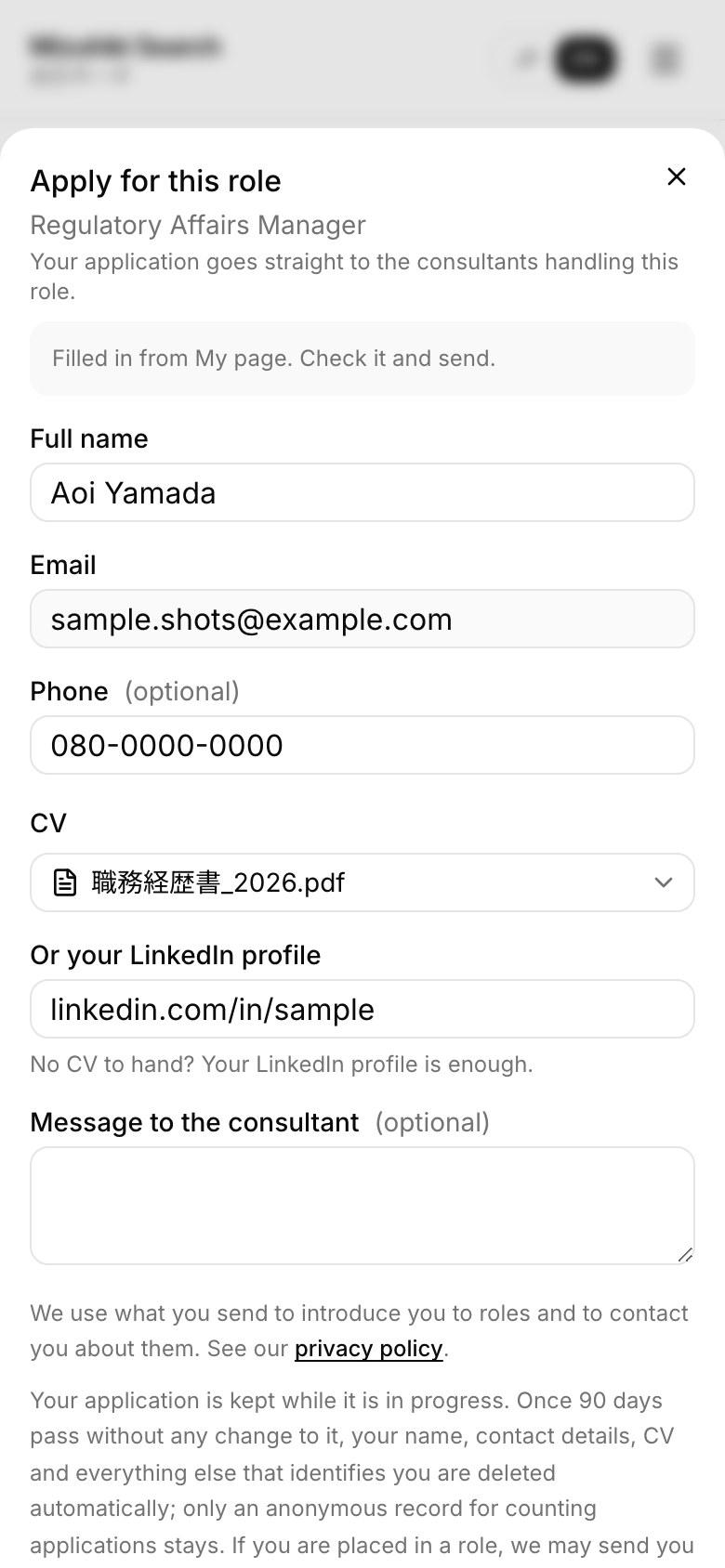
One form, on any phone
Name, email, a CV or a LinkedIn profile, and an optional message. Signed-in candidates find it filled in from My page. The purpose and a link to your privacy page sit above the consent tick.
02 · Submit your CV
No job in mind
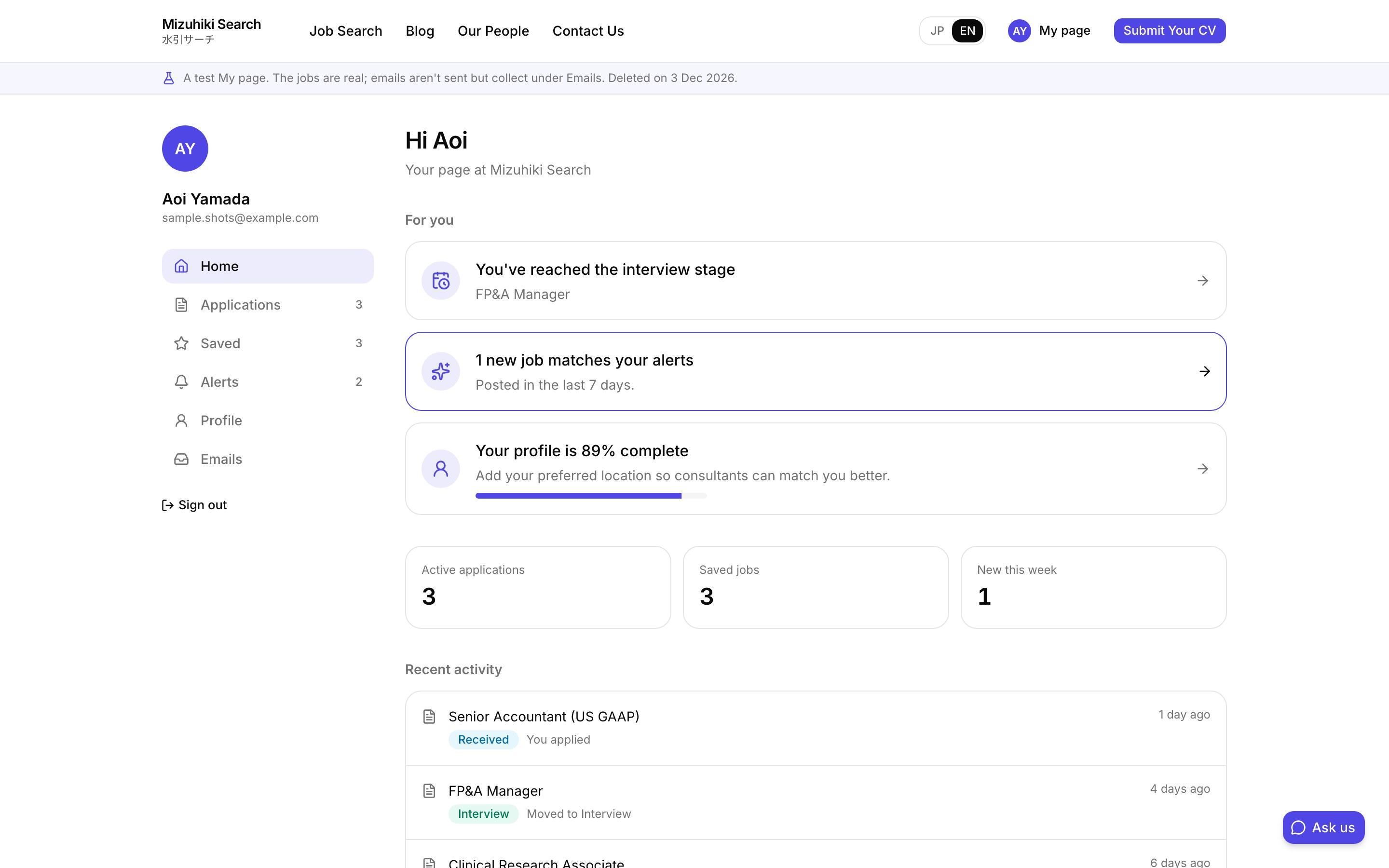
A page for candidates who want to hear about anything that fits. It reaches your admin as an application with no specific job, for the consultant who covers their sector.
mizuhiki-search.jp · Submit your CV Open it live
03 · Admin
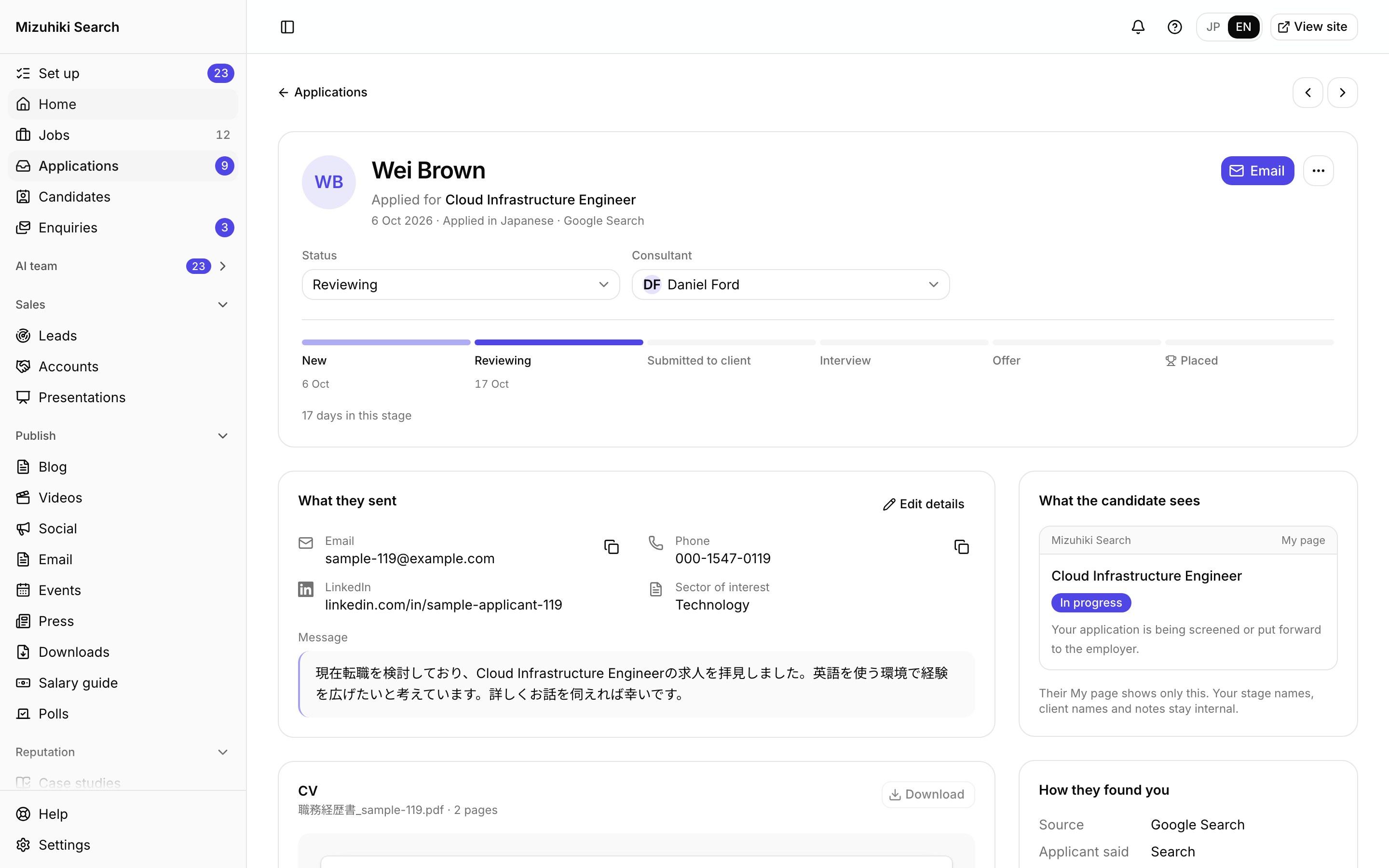
Everything they sent, in one place
Contact details, LinkedIn, their message and the CV, with how they found you and exactly what the candidate sees on My page.
Admin · Applications · ApplicationOpen it live
The Details That Matter
Checked before it's kept
A file that isn't really a PDF, Word or Excel document, or that carries macros, scripts or embedded programs, is refused with the reason.
Private by default
CVs sit in a private store and download only through a short-lived link.
Nothing left behind
A file chosen but never sent is deleted after a day.
Consent kept with it
The exact words a candidate agreed to are stored with the application.
See It on Your Own Agency
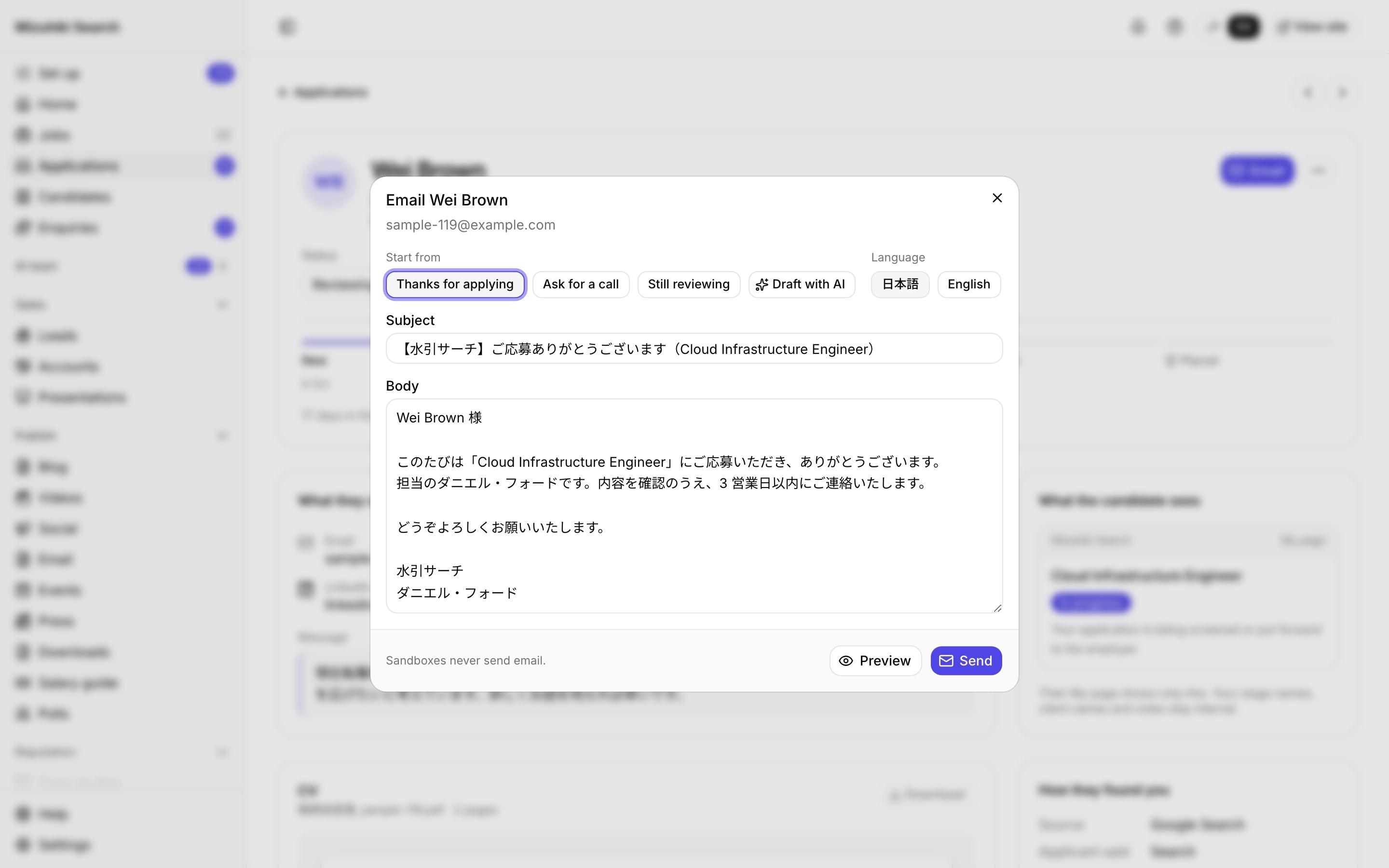
We'll rebuild your home page and a job page with your real jobs, on a private link, and open the admin for you to try.
Start free trial