Analytics That Follow a Visit to a Placement
Visits, job views and applications from your own site, with no tracking cookies, and each application followed through interviews to placement. Seven tabs answer the questions an agency actually asks.
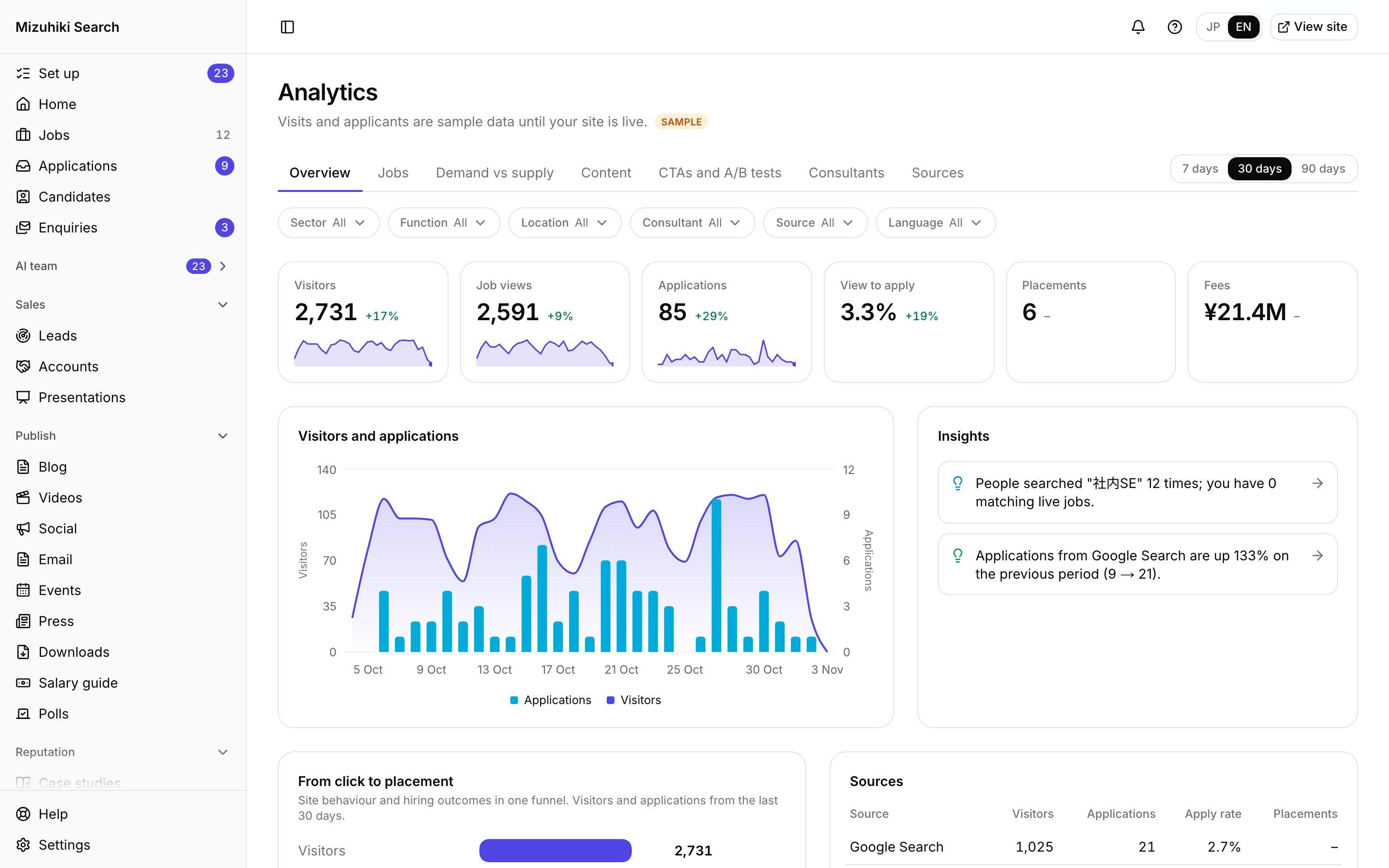
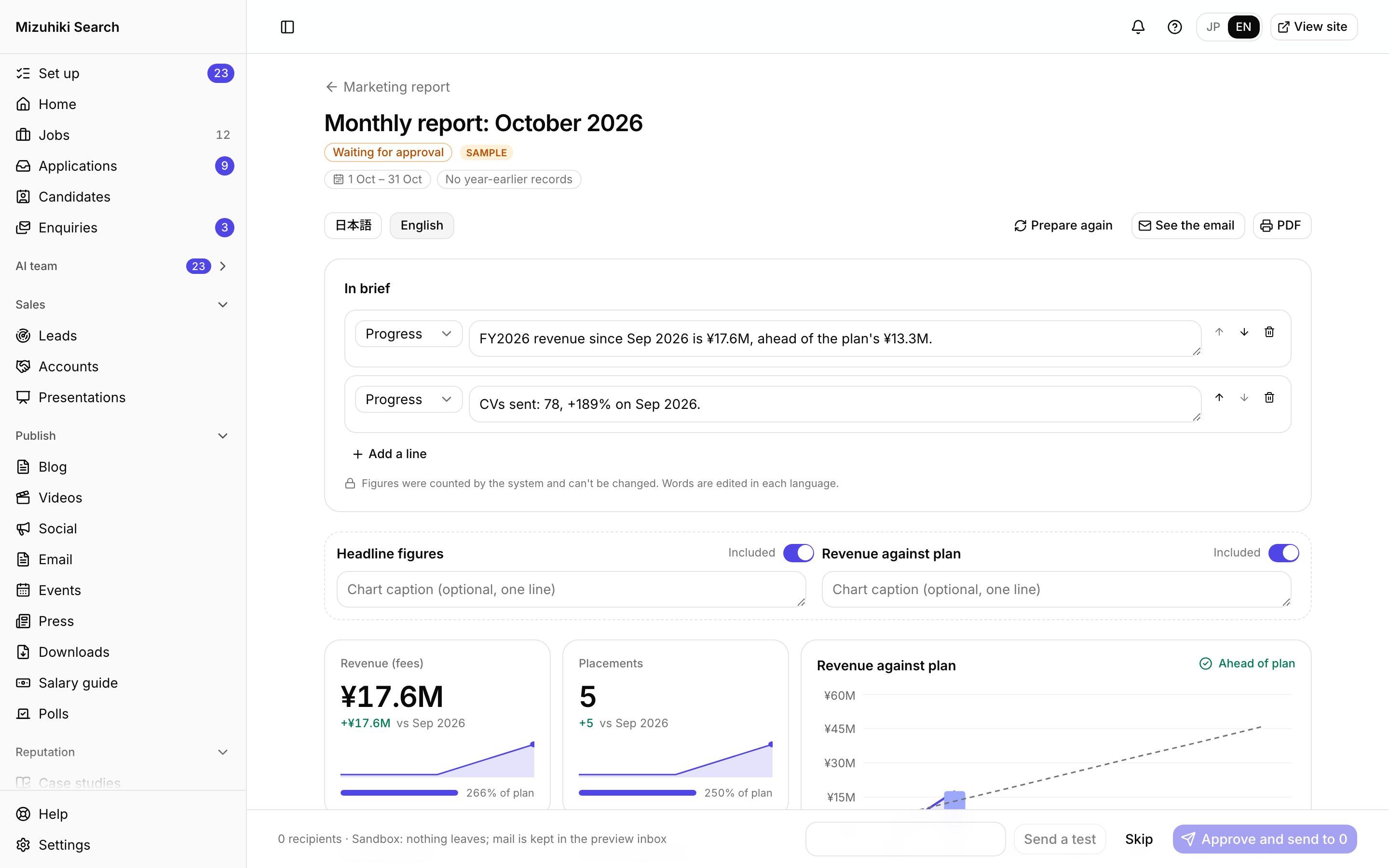
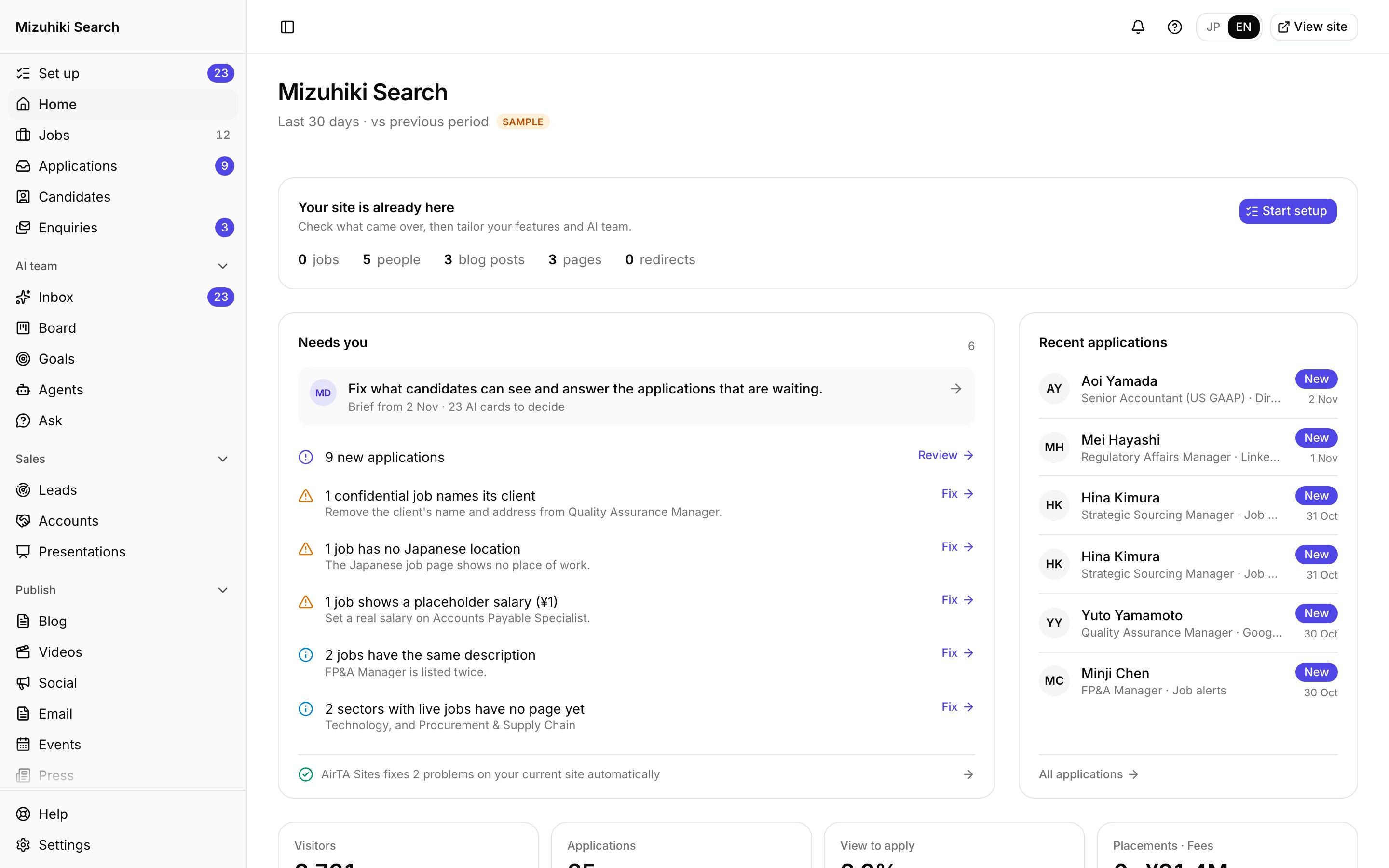
Real screens from Mizuhiki Search, a demo agency. Every name and figure on them is a sample.
How it works
From a visit to a placement, on one record
01 · Overview
The month at a glance
Visitors, job views, applications and the view-to-apply rate, with placements beside them and the hours applications arrive. Switch between 7, 30 and 90 days; the period carries across every tab.
Admin · AnalyticsOpen it live02 · Jobs
The one thing worth doing for each job
Every live job gets one status, judged against your other jobs: stalled, read but not applied for, left early, stale, unseen, new or healthy. Salary is never the reason given.
Admin · Analytics · Jobs Open it live
03 · Demand
What visitors look for, against what you have
Searches on your own site set against your live jobs, marked Underserved, Thin or Served, so you know which roles to go and win.
Admin · Analytics · Demand Open it live
04 · Sources
Which channels bring placements
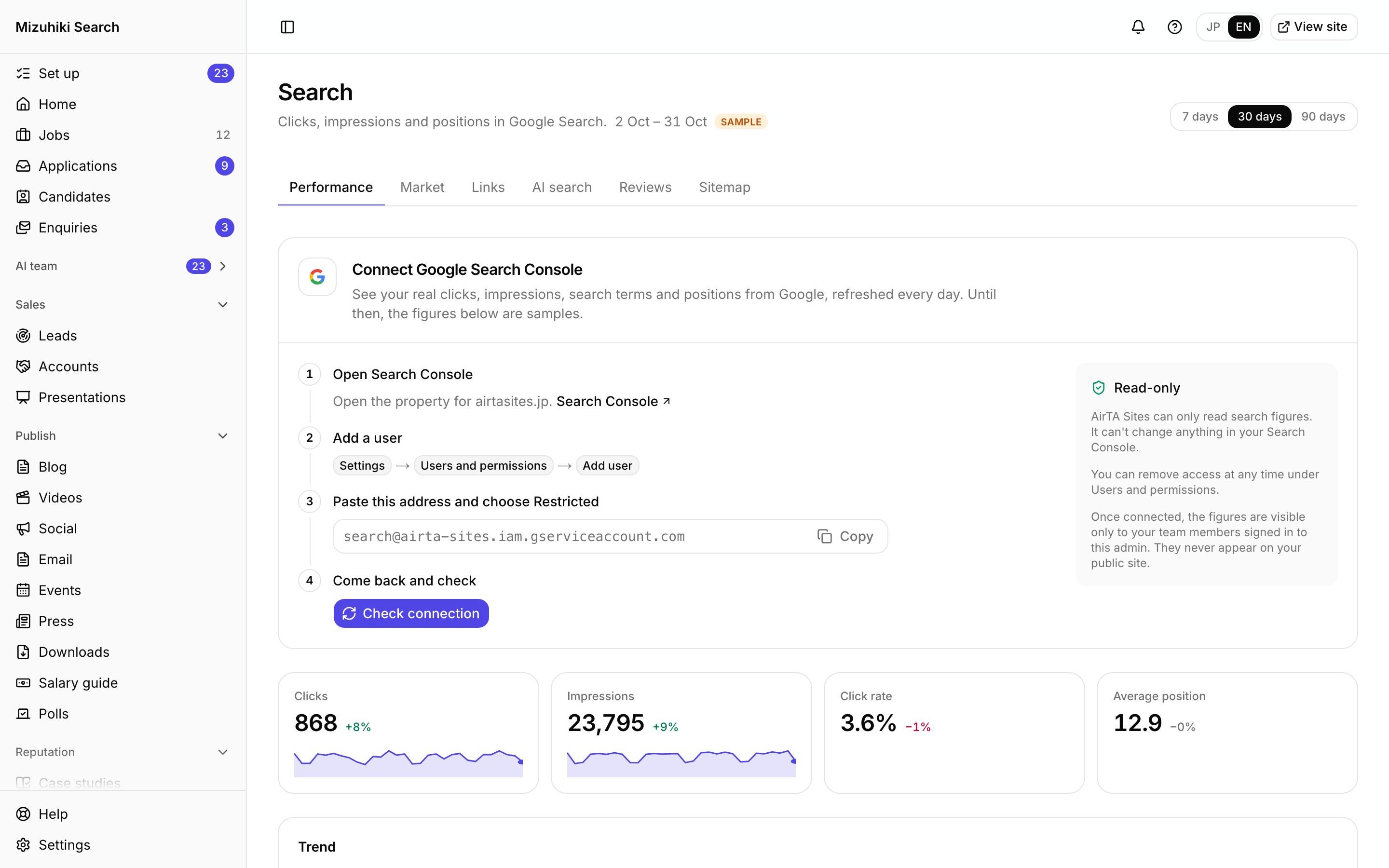
Visitors, applications and placements by channel: Google, LinkedIn, Google for Jobs, job boards, job alerts and more. A channel is judged on what it led to, not on visits.
Admin · Analytics · Sources Open it live
05 · Your own tags
GA4 and your ad tags, by pasting an ID
Paste a GA4, Tag Manager, Google Ads, Meta, LinkedIn, Clarity or Yahoo! Ads ID, or the vendor's code. Every application and enquiry arrives as an event, your privacy page lists the tag, and the site asks visitors first once an ad tag is on.
Admin · Settings · Integrations · Tags Open it live
The Details That Matter
No tracking cookies
Visits are counted anonymously from your own site's events, with no cookie. No individual visitor is ever identified. Your own GA4 or ad tags are yours to add.
Notes on the timeline
Mark what changed, such as a new page or a new campaign, and it shows on the chart where it happened.
By consultant
Results for each consultant, shown to owners and admins only.
Tests on the same record
A/B tests report applications, interviews and placements for each version.
See It on Your Own Agency
We'll rebuild your home page and a job page with your real jobs, on a private link, and open the admin for you to try.
Start free trial