LINE on Your Job and Contact Pages
Add your LINE Official Account once and a Chat on LINE button appears where you choose: job pages, the contact page, call-to-action blocks and the footer. Candidates can also get job alerts on LINE.
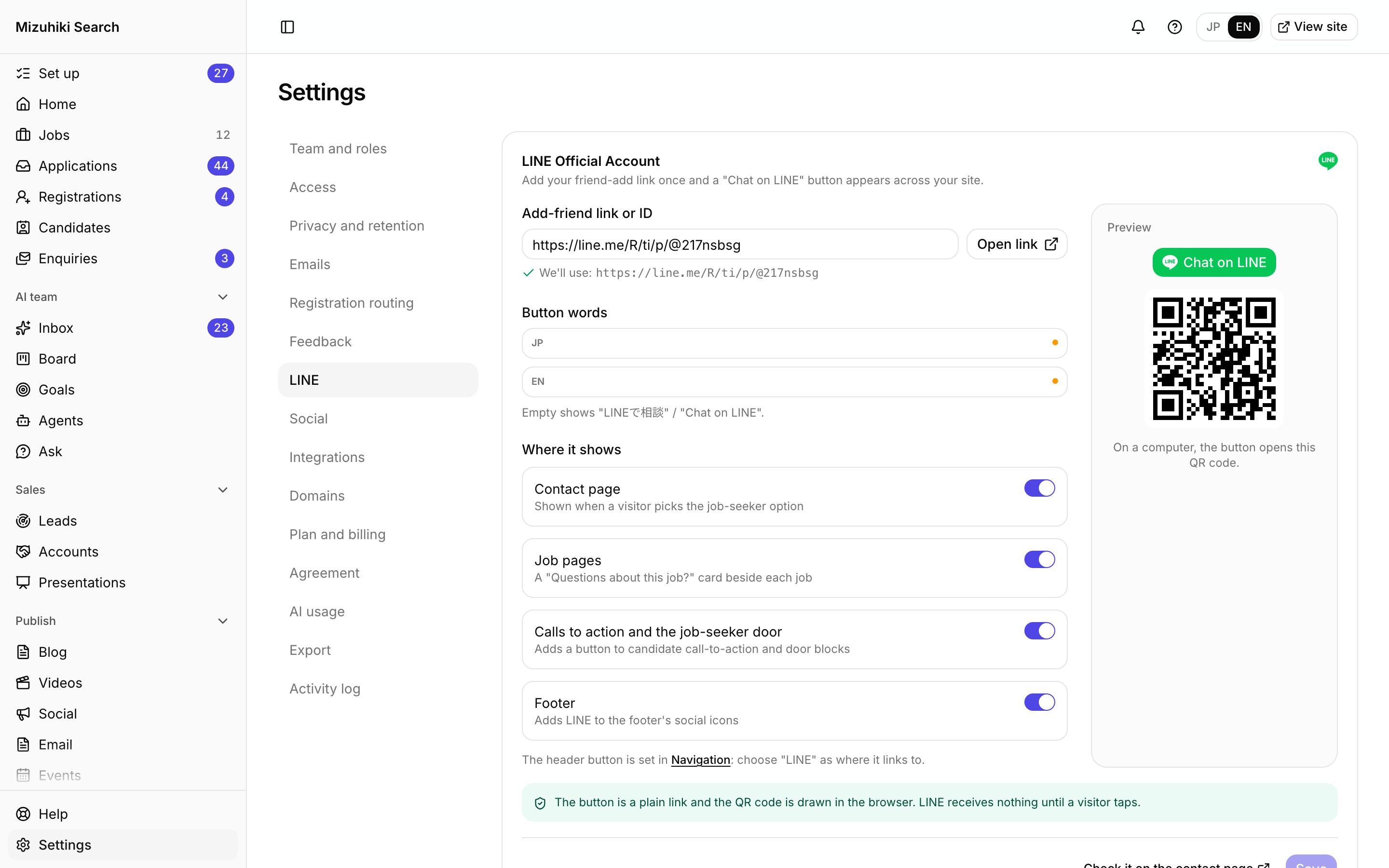
Real screens from Mizuhiki Search, a demo agency. Every name and figure on them is a sample.
How it works
One link, in the places candidates look
01 · Settings
Paste your link, choose where it shows
Add your friend-add link from LINE Official Account Manager, set the button's words in both languages, and switch it on for each place. The preview shows the button, and the QR code a desktop visitor gets.
Admin · Settings · LINEOpen it live02 · On every job
Questions before they apply
Each job page carries a Questions about this job? card with the LINE button, and the alert sign-up beside it offers LINE too.
mizuhiki-search.jp · A job Open it live
03 · Job alerts
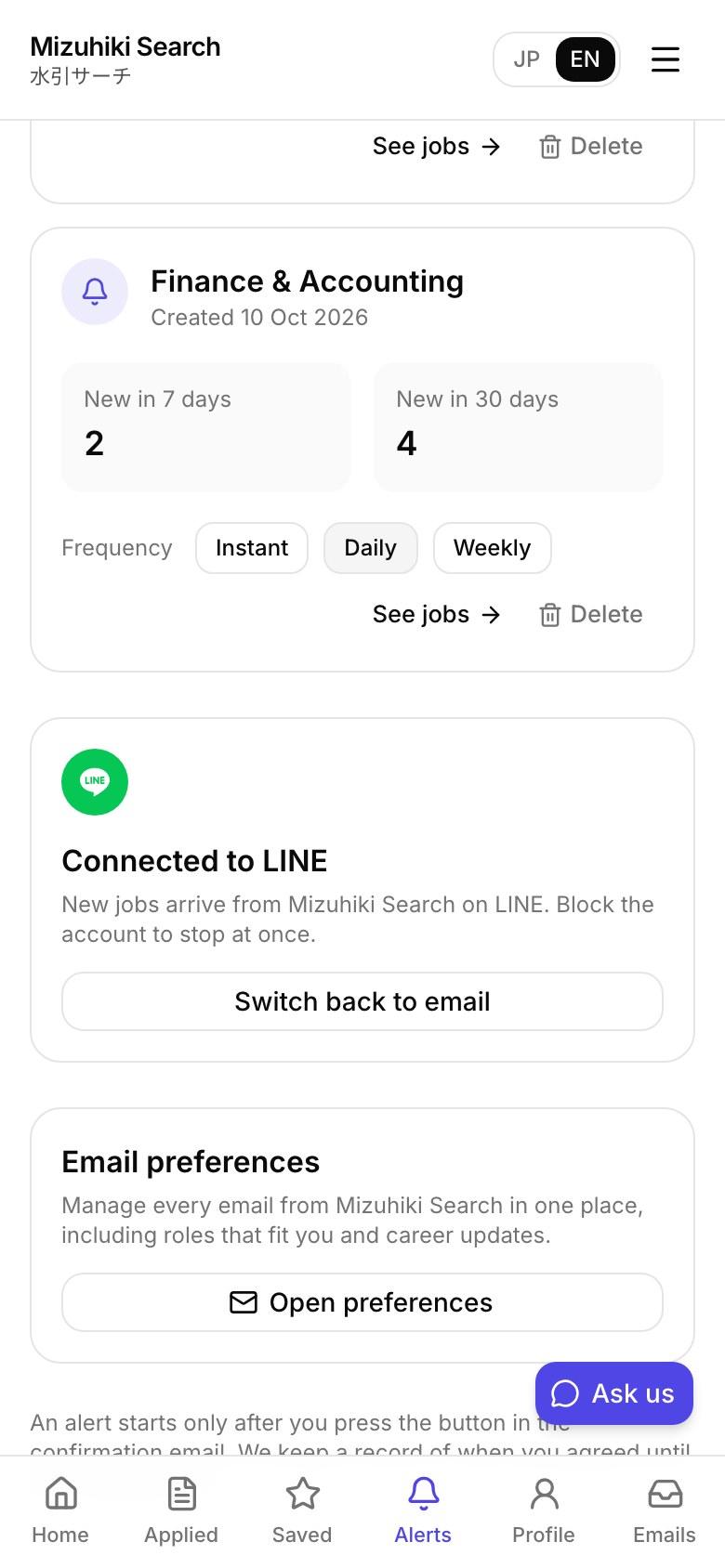
Alerts on LINE, if they choose
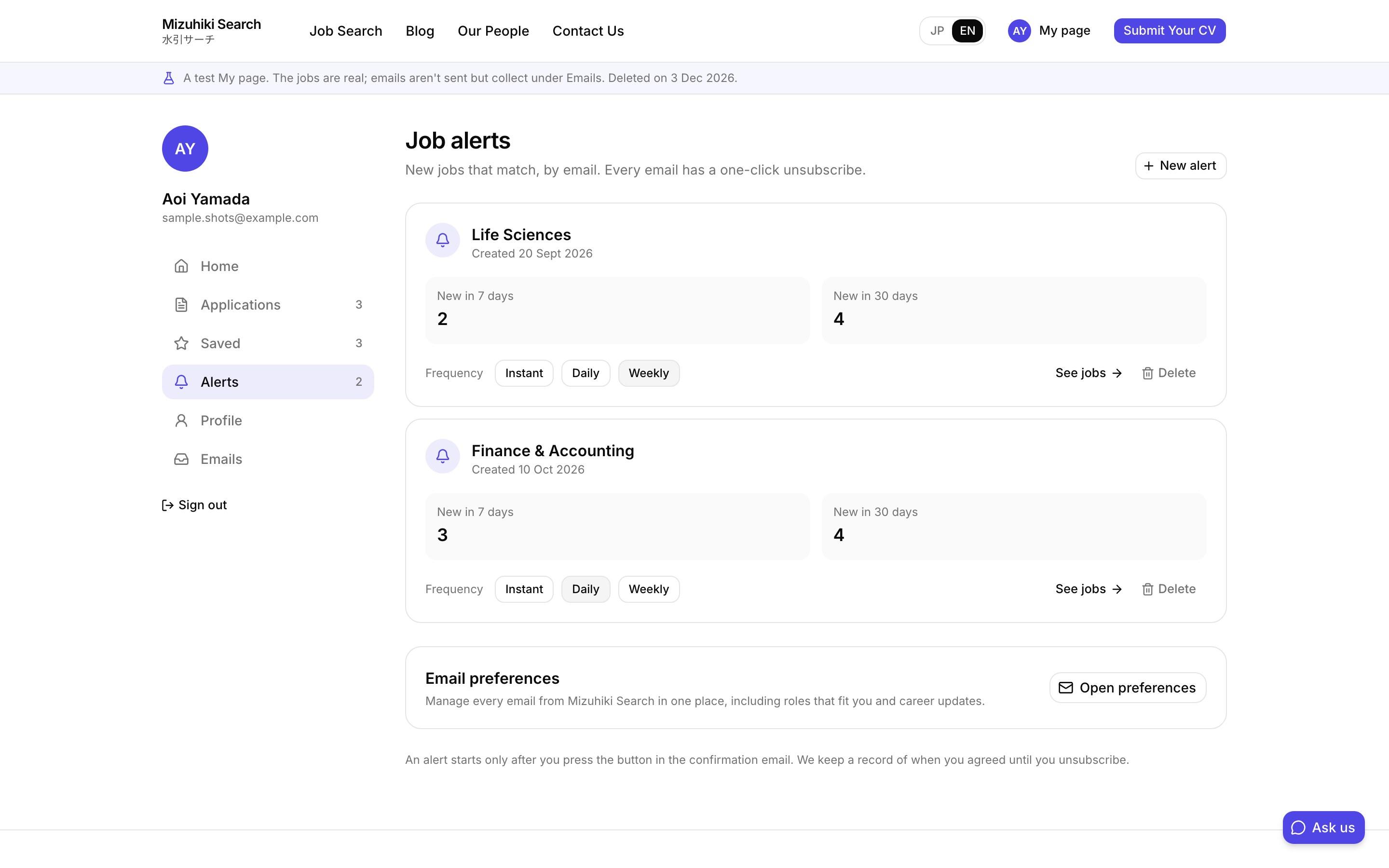
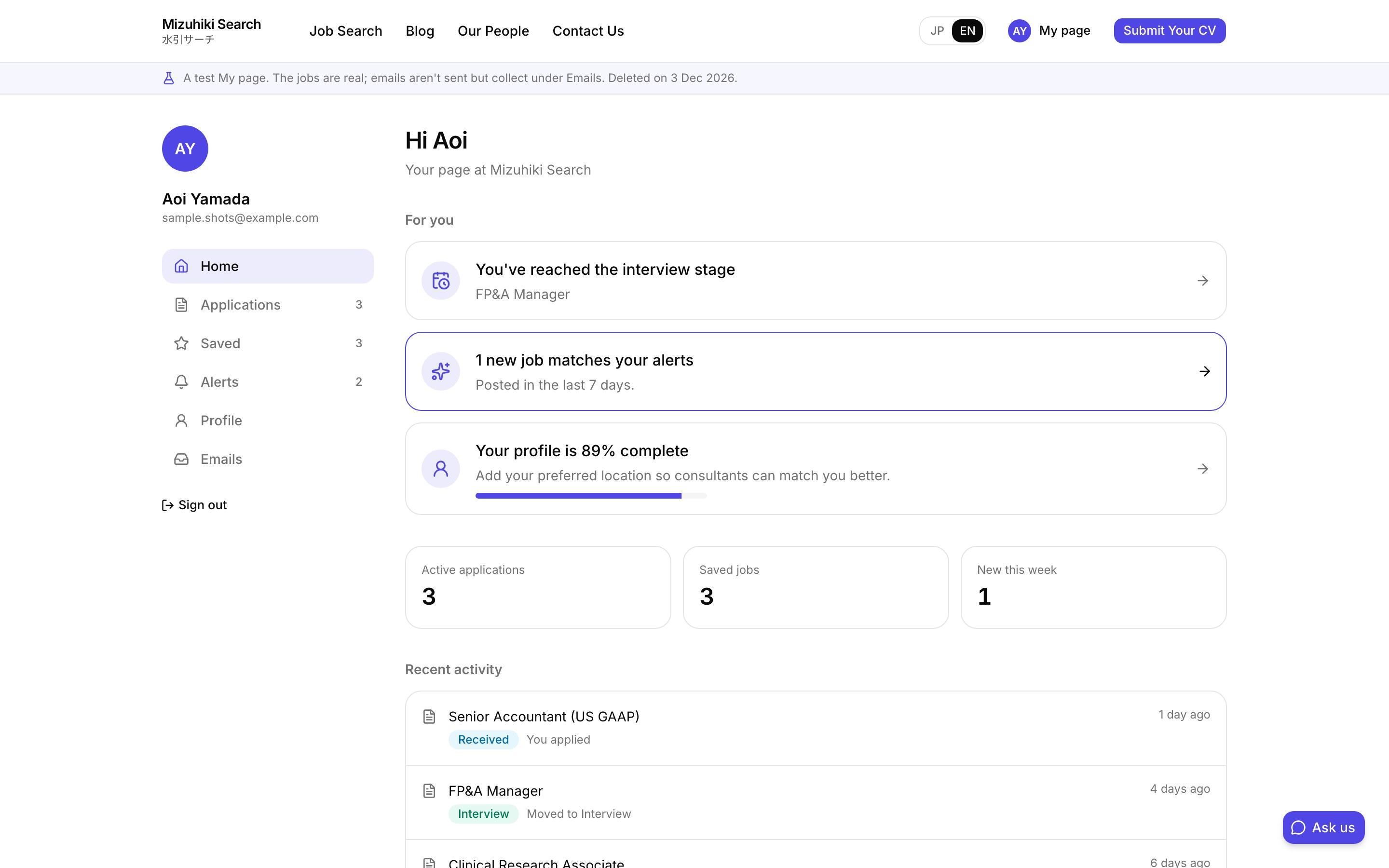
Connect your Messaging API and LINE Login channels and candidates can log in with LINE on My page to get their alerts there, and switch back to email whenever they like.
Open it liveThe Details That Matter
Nothing until they tap
The button is a plain link and the QR code is drawn in the browser. LINE receives nothing until a visitor taps.
Your account, your plan
Messages come from your LINE Official Account and count toward its plan.
Stops when blocked
If a candidate blocks your account, their alerts stop at once and they can switch back to email.
Switch each place
Job pages, the contact page, call-to-action blocks and the footer are each on or off.
Works with
One Product, Every Tool Connected
See It on Your Own Agency
We'll rebuild your home page and a job page with your real jobs, on a private link, and open the admin for you to try.
Start free trial