Notifications Your Team Actually Needs
New applications, enquiries and anything waiting on someone, in the bell and by email. Each person chooses right away, a daily digest or nothing, for each kind, and only for the jobs they look after if they like.
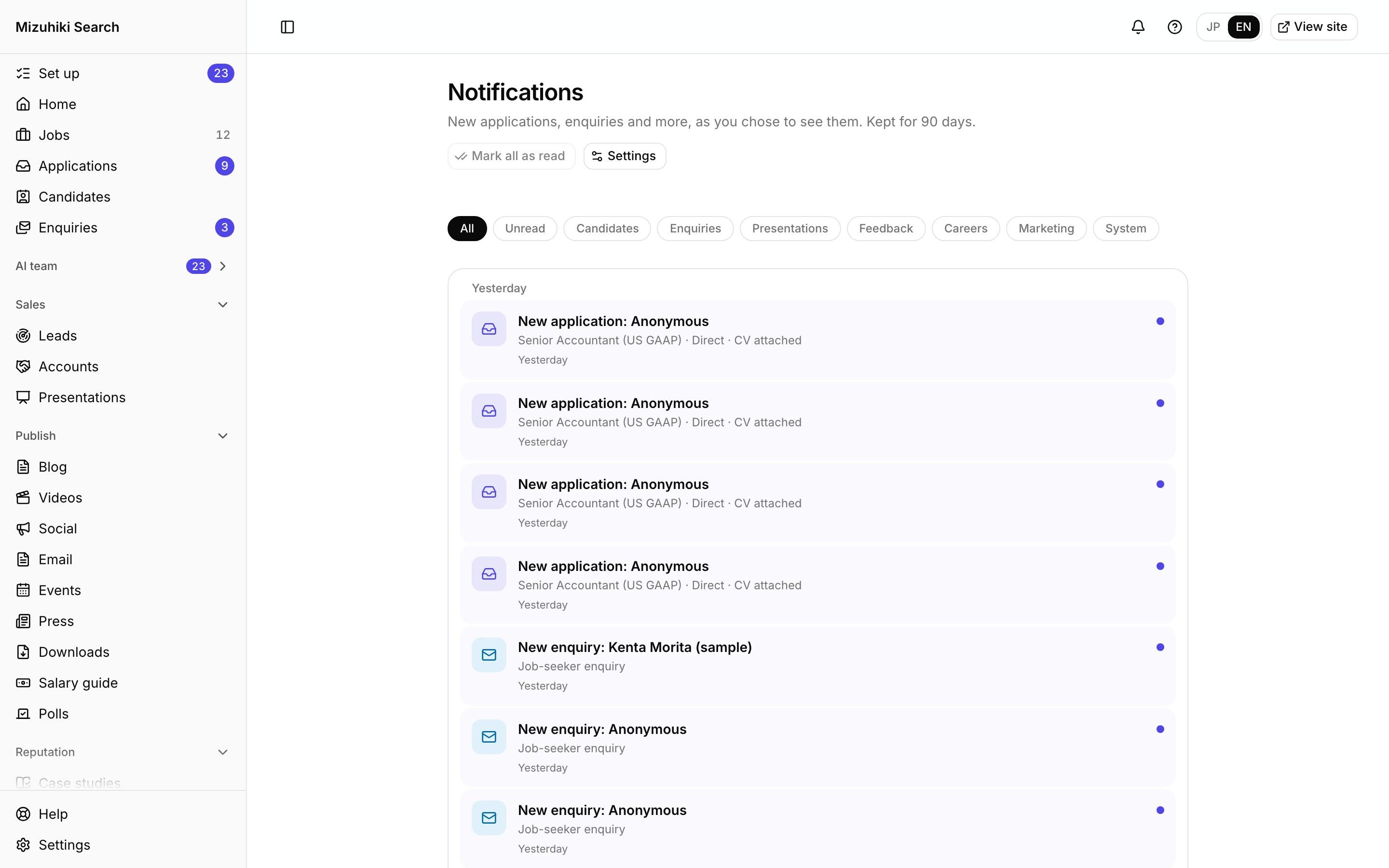
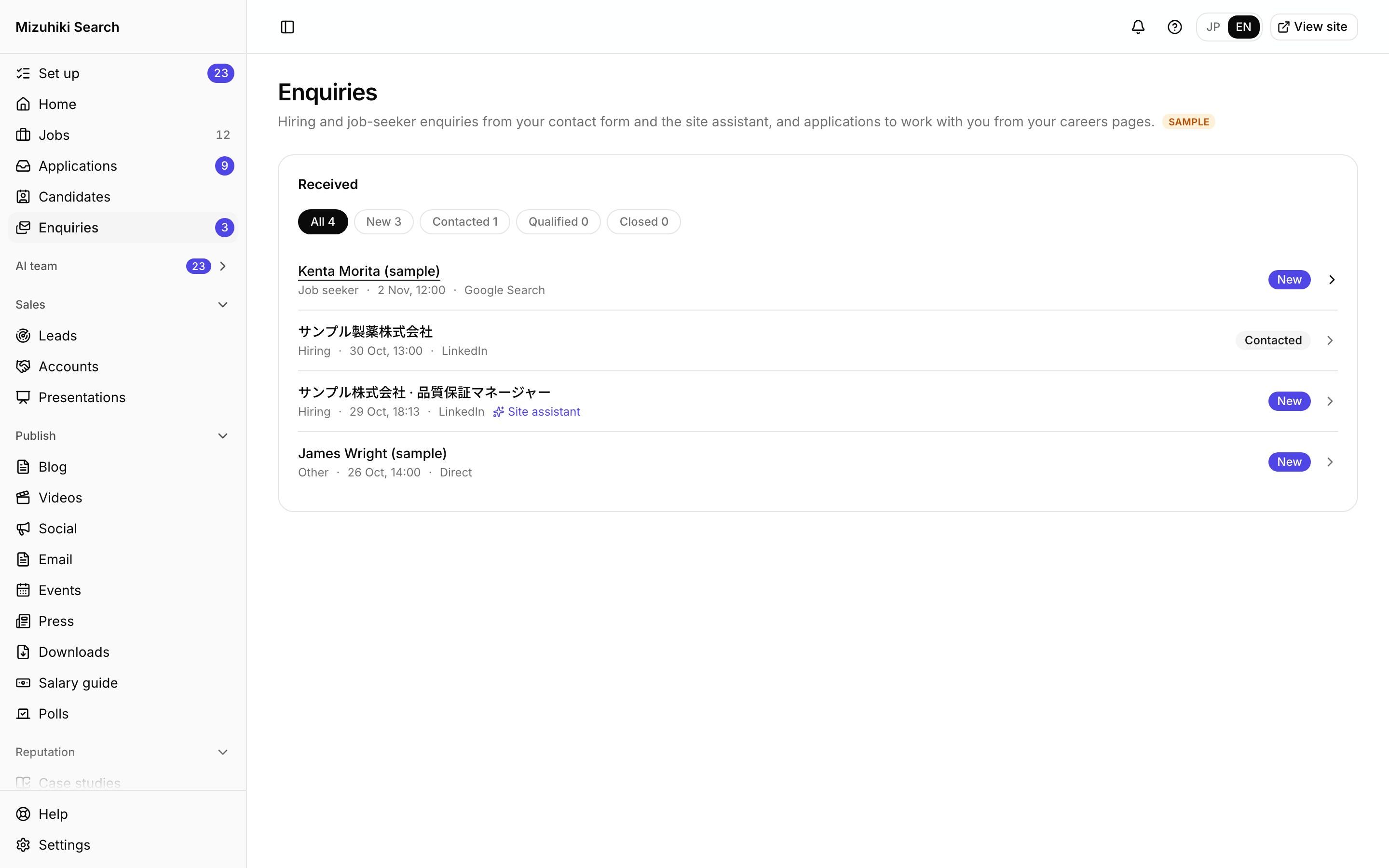
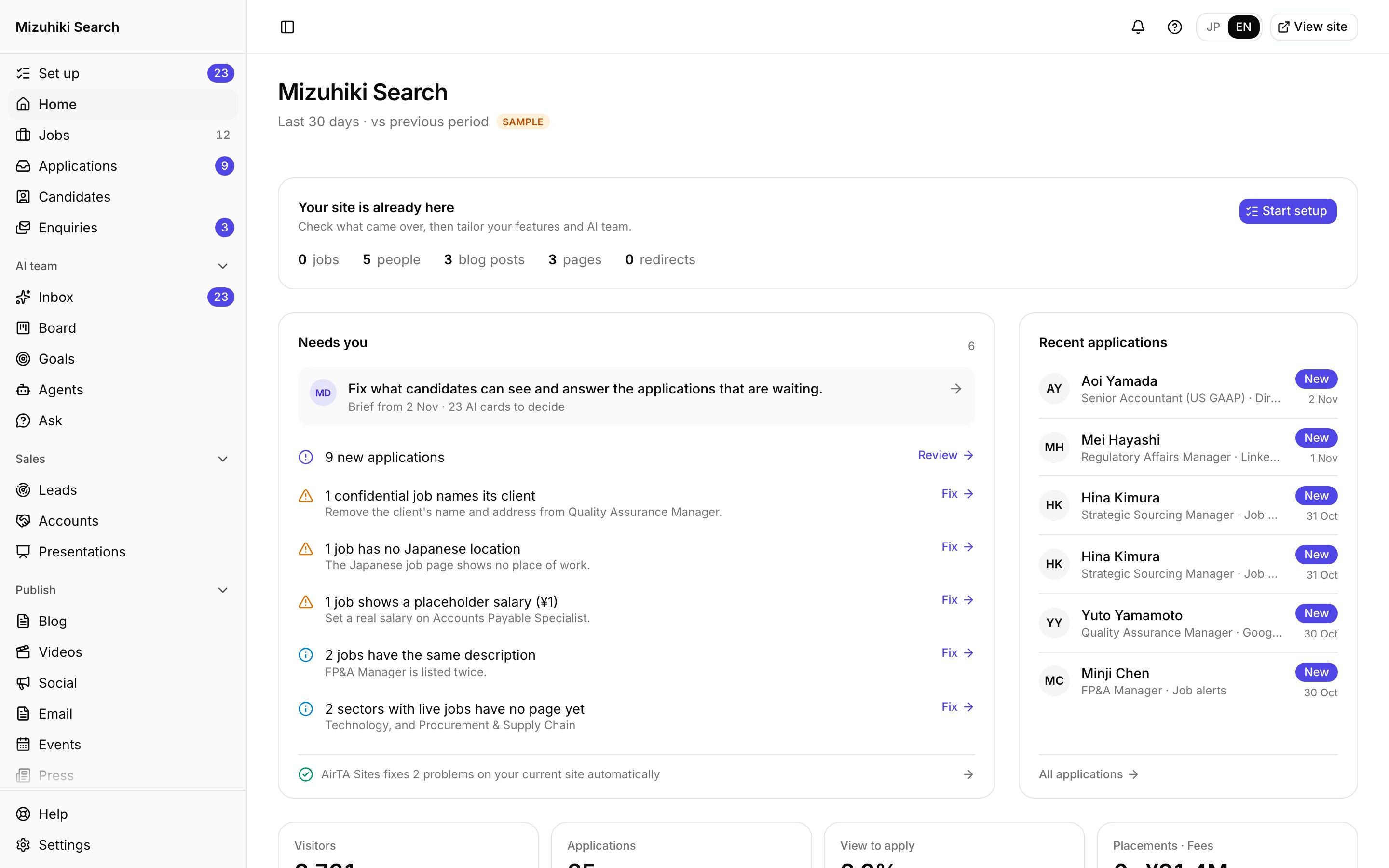
Real screens from Mizuhiki Search, a demo agency. Every name and figure on them is a sample.
How it works
The right person hears about it, the way they chose
01 · The bell
Everything in one list
Applications, enquiries, presentations, feedback and more, grouped by day and filtered by kind. Kept for 90 days.
Admin · NotificationsOpen it live02 · Your choice
Each person decides how they hear
For each kind: the bell on or off, and email right away, as a daily digest or not at all. "Only mine" narrows it to the jobs and enquiries assigned to you.
Admin · Notifications · Settings Open it live
03 · Emails
Sent in your name
Candidates' emails go out under your agency's sender name, with replies going to the consultant on the application, and end with the same company details as your website footer.
Admin · Settings · Emails Open it live
The Details That Matter
No personal data in notices
Team notices carry no names, contact details or CVs, only a link into the admin, where roles decide who sees what.
Pause when you're away
Pause your own emails without changing anyone else's.
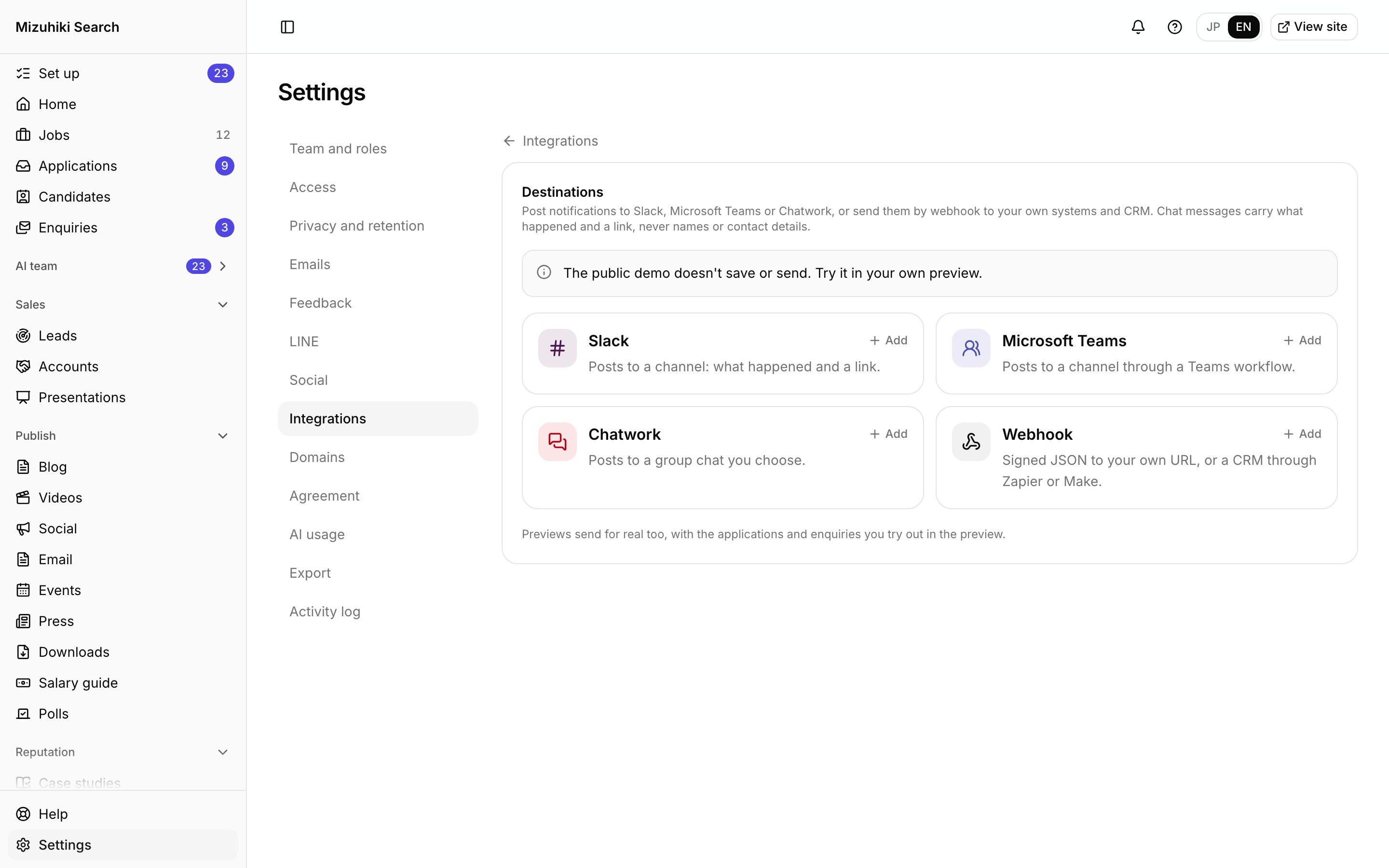
Team chat too
New applications and enquiries can also go to Slack, Microsoft Teams or Chatwork.
Reply templates
Consultants start from your own templates, with the name and job filled in when they open one.
Works with
One Product, Every Tool Connected
See It on Your Own Agency
We'll rebuild your home page and a job page with your real jobs, on a private link, and open the admin for you to try.
Start free trial