Every Word on Your Site and in Your Emails, in Your Own Phrasing
Change any button, form label, message or email in Japanese and English separately, and see it on your real site as you type. Nothing goes live until you save.
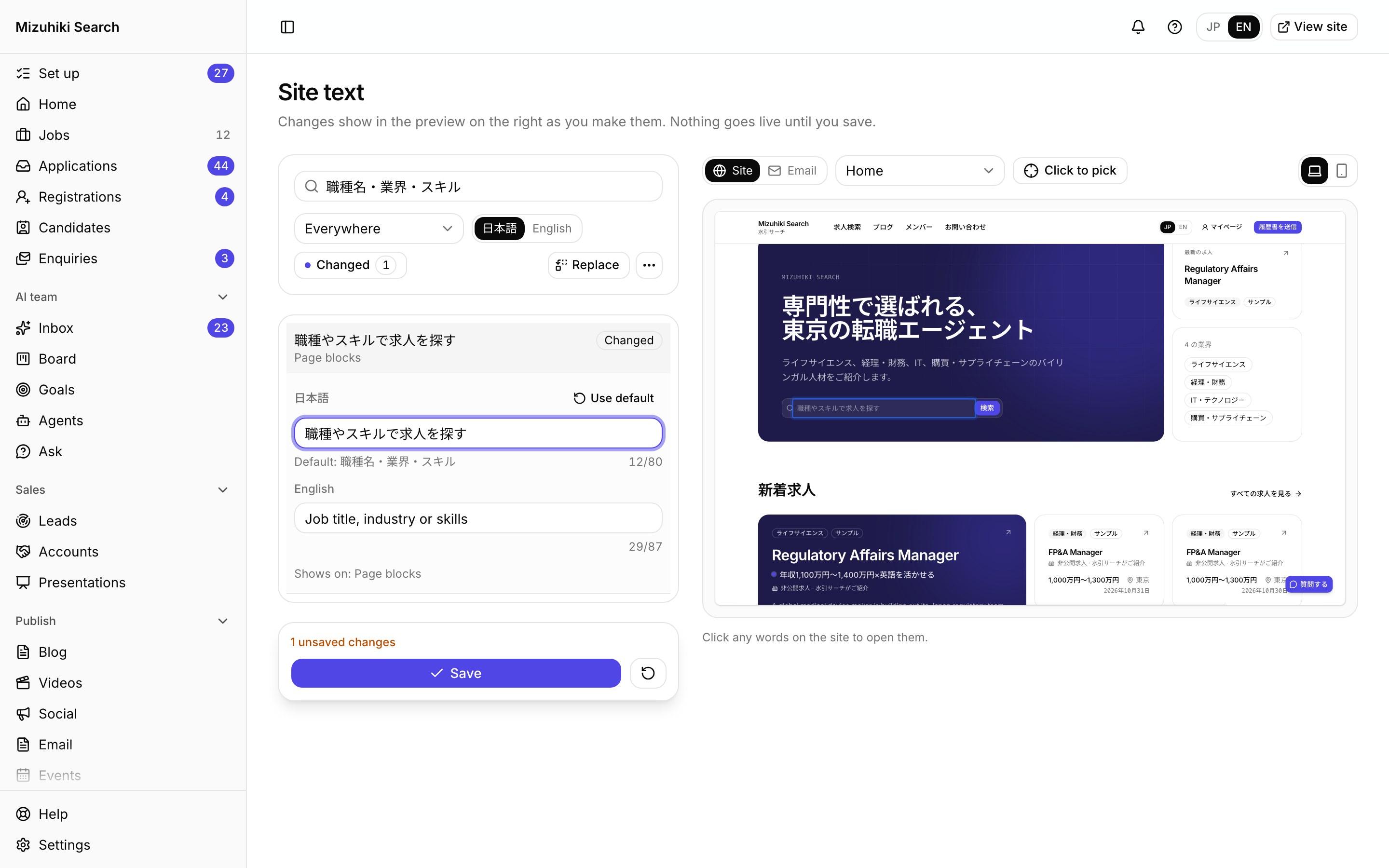
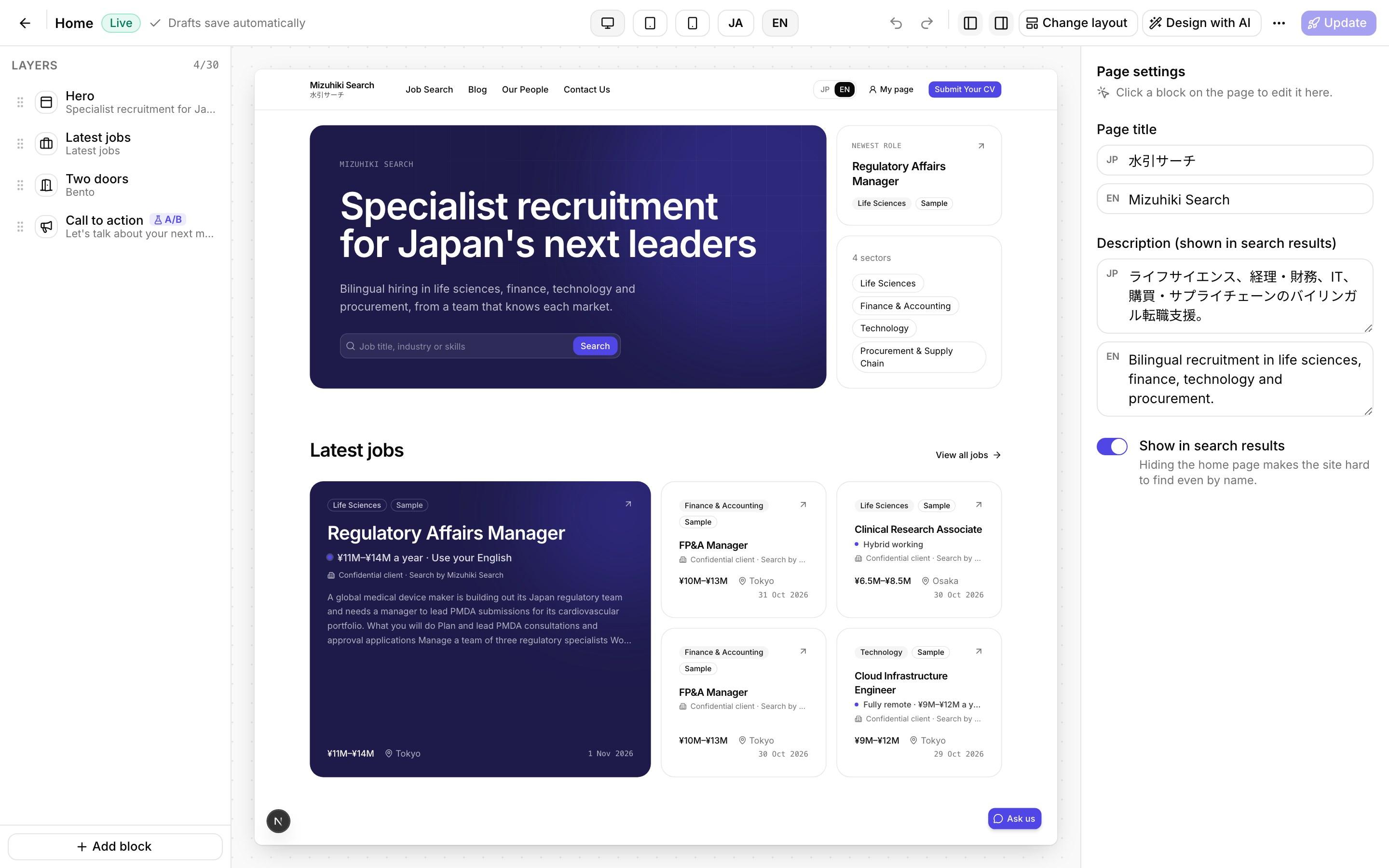
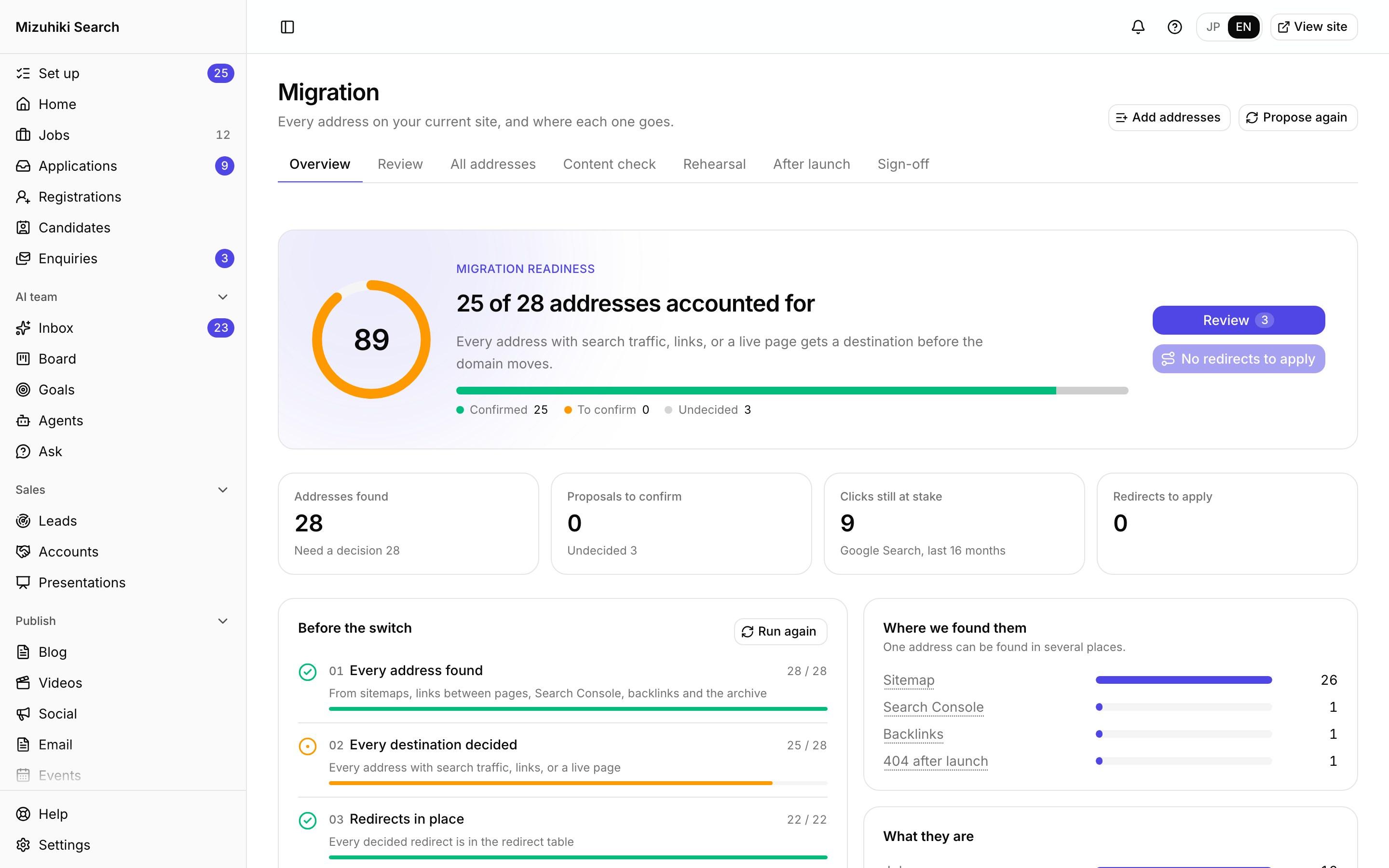
Real screens from Mizuhiki Search, a demo agency. Every name and figure on them is a sample.
How it works
From one word to every email, without touching code
01 · On your site
Search it, or click it
Find any text by what it says, or click words on the preview to open them. Change the Japanese, the English or both, and the site on the right shows it before you save.
Admin · Website · Site textOpen it live02 · In your emails
Emails as they arrive
Open an email's text and the preview becomes that email: the inbox line and the whole message, built from your own jobs and a sample applicant, with your words marked.
Admin · Website · Site text Open it live
03 · Find and replace
One word, everywhere at once
Call your consultants career advisers across the site and every email in one step. Each change is listed with the sentence it lands in, and becomes a draft you check first.
Admin · Website · Site text Open it live
04 · Legal wording
The legal lines stay put
Consents, your licence number's label, how to stop emails and the AI notice can't be changed here. Each says why, and links to the setting that owns it.
Admin · Website · Site text Open it live
The Details That Matter
Japanese and English, separately
Fix the Japanese and leave the English as it is, or the other way round.
Drafts first
Edits, replacements and imports are drafts until you save, and a save can be undone.
Your old site's wording
Labels carried over from your current site are marked, and any text can go back to its default.
Spreadsheet round trip
Export every text for Excel or a translator, then import it back as drafts with each change checked.

See It on Your Own Agency
We'll rebuild your home page and a job page with your real jobs, on a private link, and open the admin for you to try.
Start free trial