Your Domain, Switched Over on Launch Day, with You
Add your domain and see exactly how its DNS is set today. A launch checklist reads your real data, and on launch day your AirTA contact switches the site over with you.
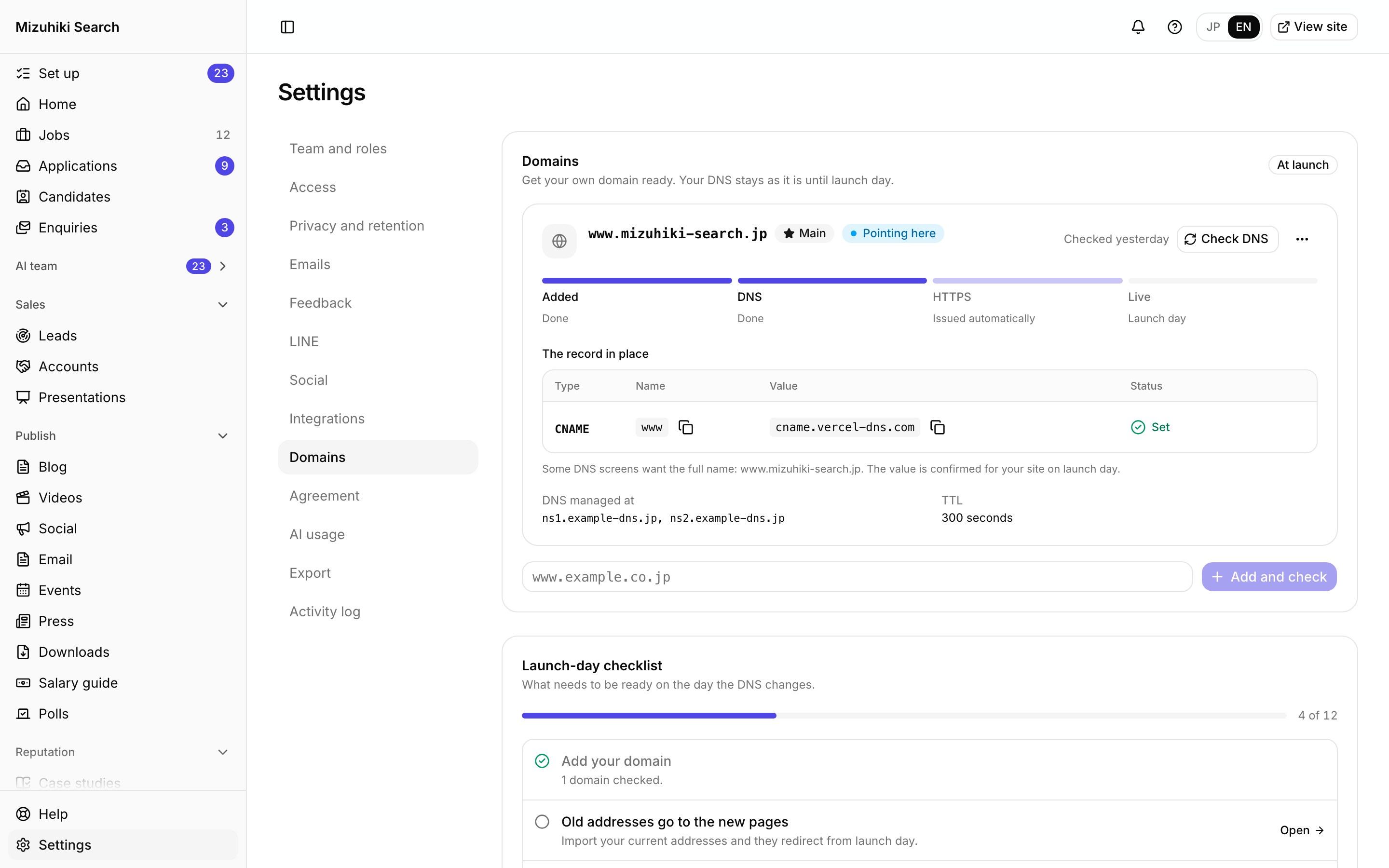
Real screens from Mizuhiki Search, a demo agency. Every name and figure on them is a sample.
How it works
From your domain today to your site on it
01 · Your domain
Your DNS, read but never changed
We read your domain's records from its own nameservers and show the one record to set, and when. Nothing is written anywhere until you change it yourself.
Admin · Settings · DomainsOpen it live02 · Launch checklist
Every check, read from real data
Redirects ready, the TTL lowered the day before, company details, sender details, your privacy page and your owner's sign-in. Each line ticks itself off.
Admin · Settings · Domains Open it live
03 · Launch day
Switched with you, then checked
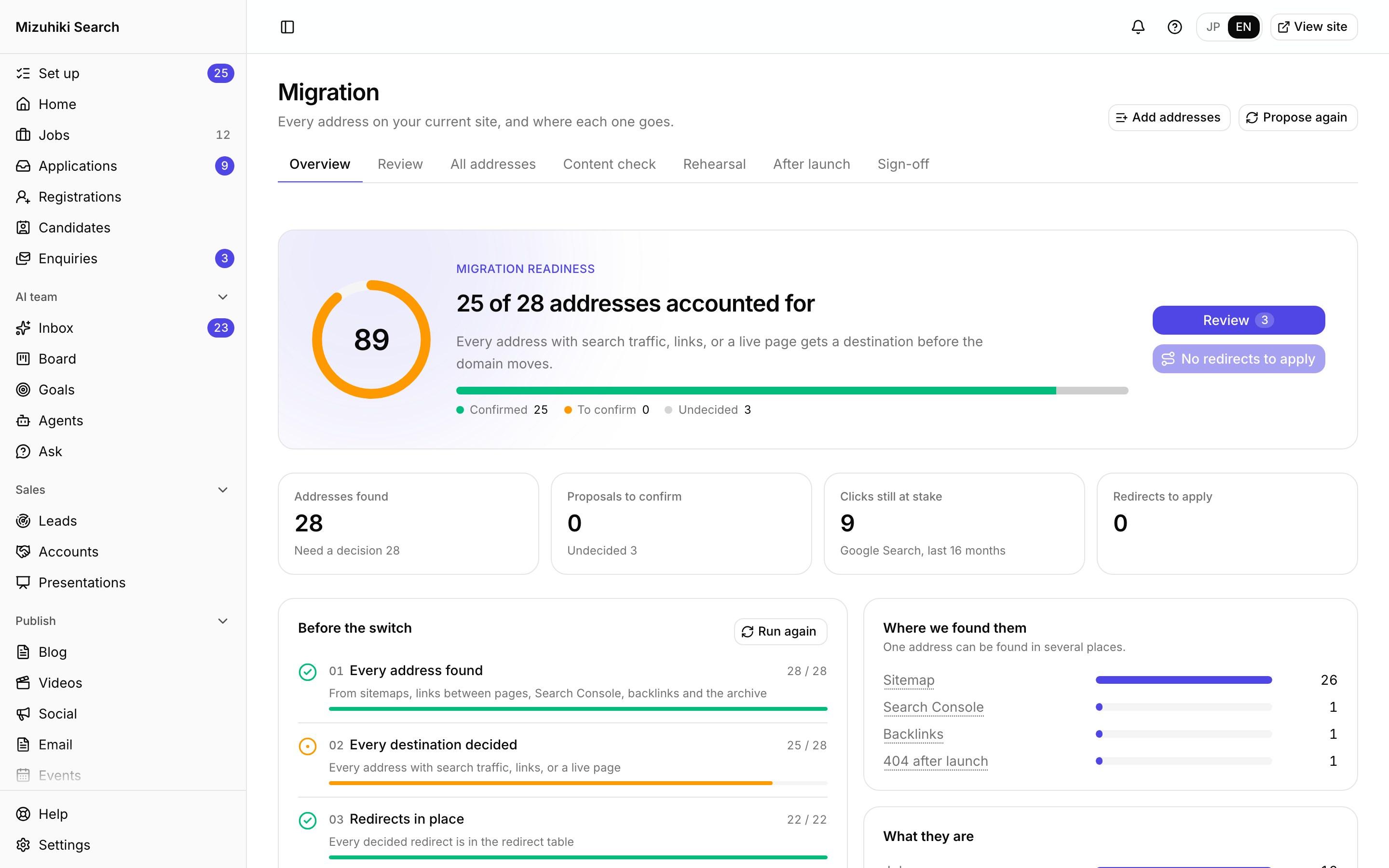
Your AirTA contact switches the site live with you. Sample data comes off, and every old address is checked on the live domain within the hour.
Admin · Migration · After launch Open it live
The Details That Matter
Read only
Checking your DNS never changes it. You stay in charge of your domain.
Minutes, not days
Lowering the TTL the day before means the switch reaches everyone within minutes.
Secure by default
Your site is served over HTTPS on your domain from the moment it's live.
No samples left
Going live removes every sample row, and a live site can't hold sample data again.

See It on Your Own Agency
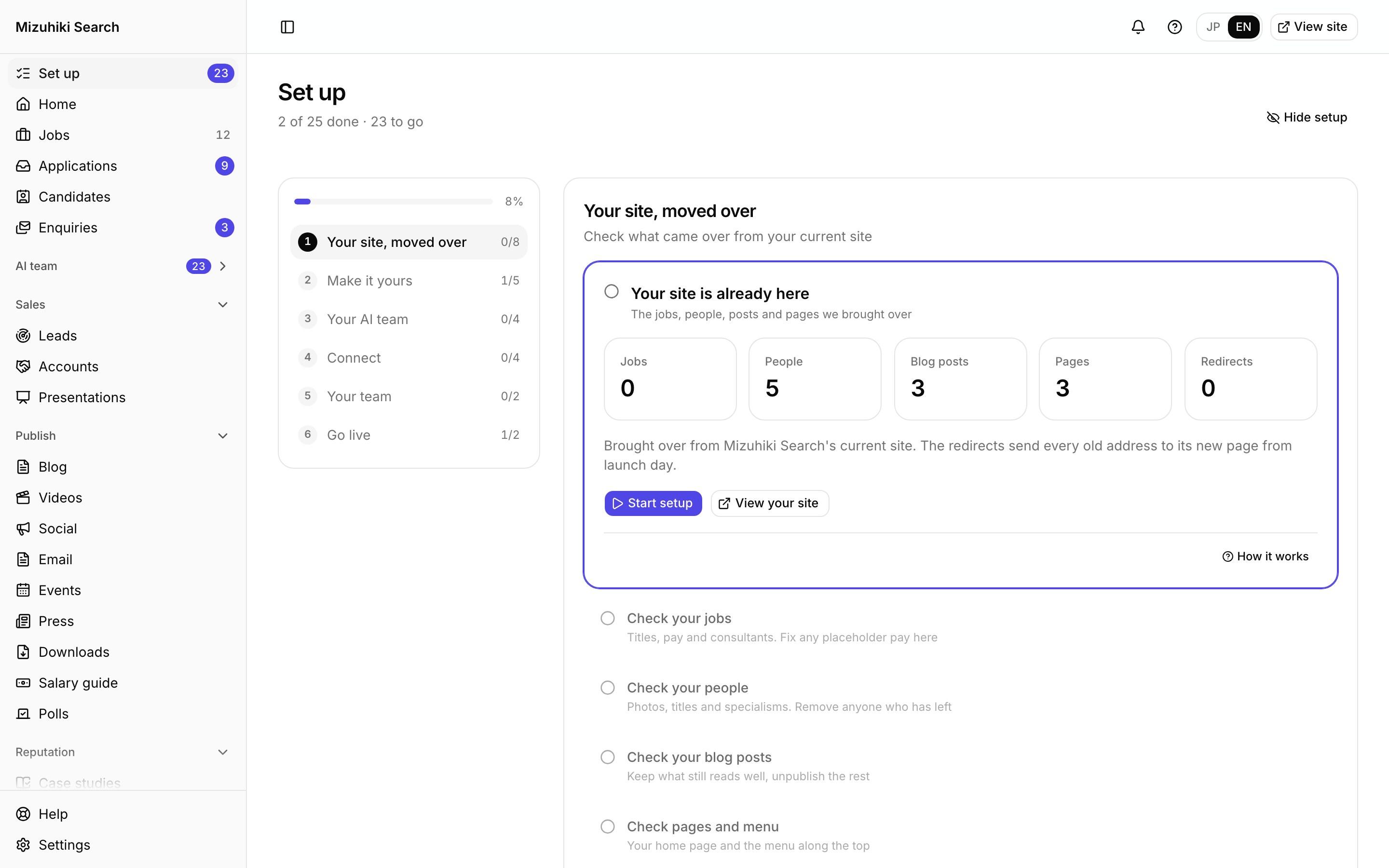
We'll rebuild your home page and a job page with your real jobs, on a private link, and open the admin for you to try.
Start free trial