Client Logos Shown Only with Permission
Show the companies you've hired for on your home page, sector pages and testimonials page. Find a logo from the client's own website in one step, and record the date they agreed before it can show.
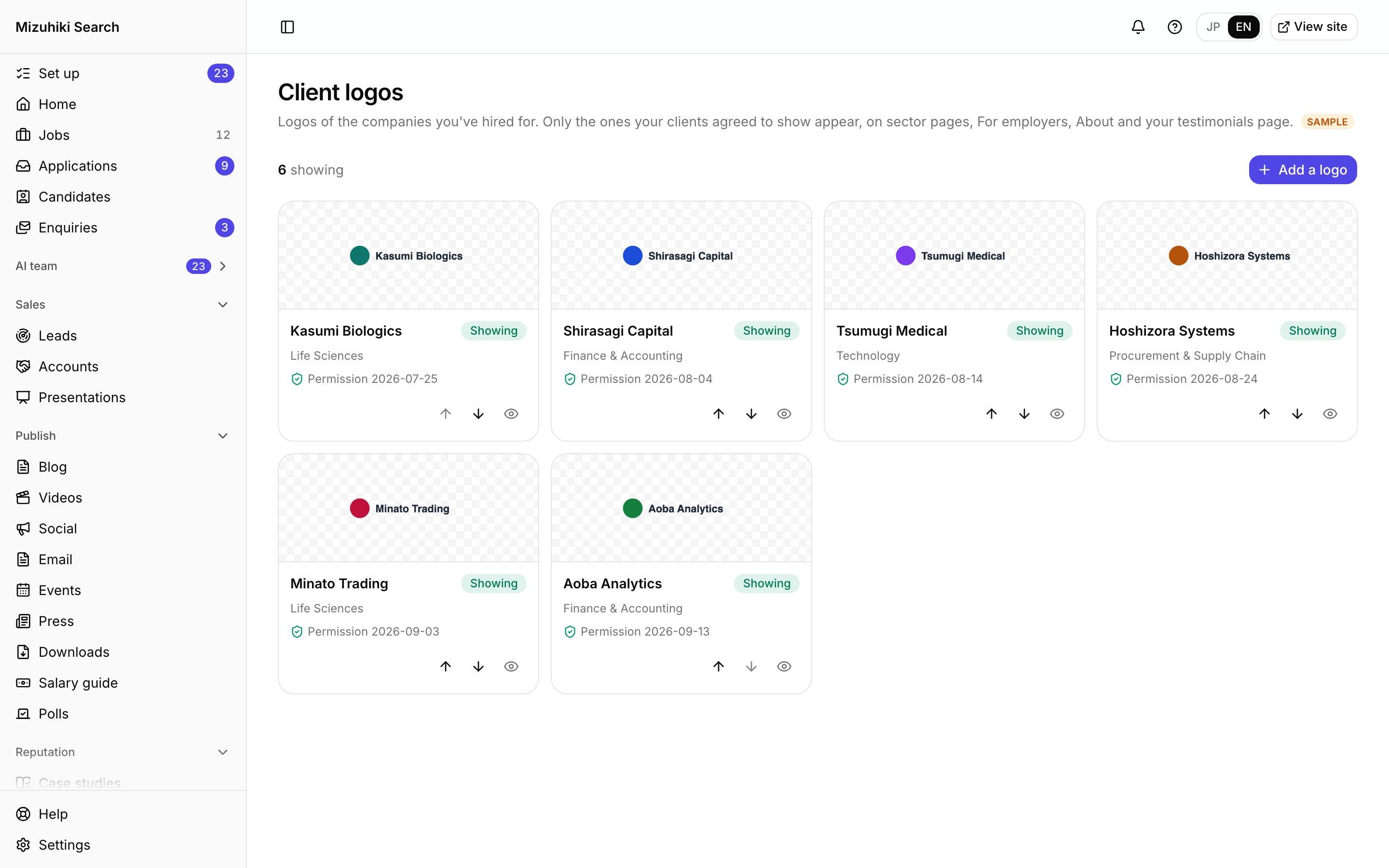
Real screens from Mizuhiki Search, a demo agency. Every name and figure on them is a sample.
How it works
Recognisable proof, with the paperwork kept
01 · Add
Found from their own website
Enter the company's website and pick one of up to three suggestions, or upload your own file. Choose the sector pages it belongs on.
Admin · Client logos · Add Open it live
02 · Permission
A date before it shows
Each logo carries the date the client agreed. Without one it can't go on your site. Hide or delete it the day they withdraw.
Admin · Client logosOpen it live03 · On your site
A wall or a scrolling strip
Logos appear through the Client logos block from four upwards, matched to each sector page.
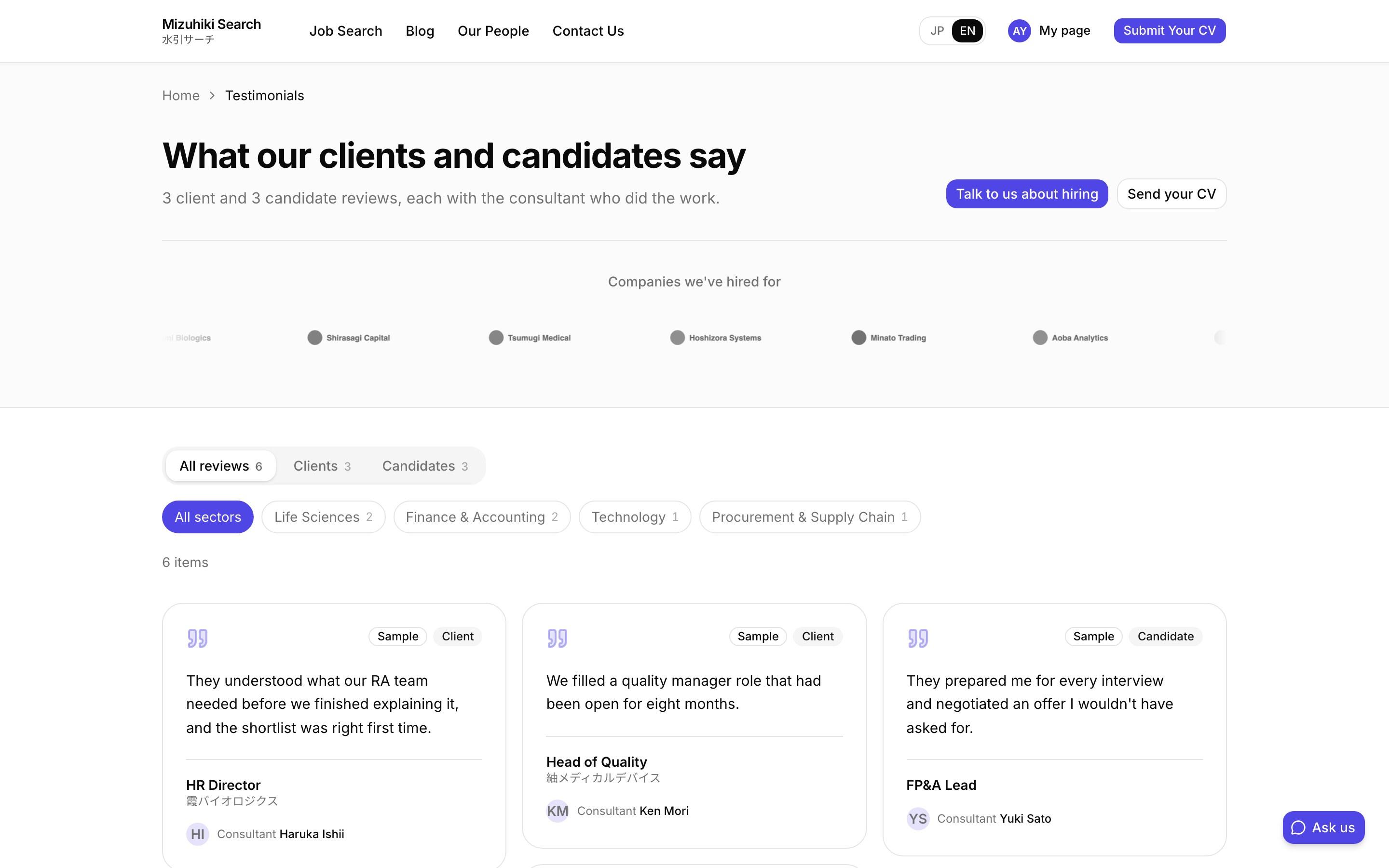 Open it live
The Details That Matter
Finding isn't permission
A logo found on a website still needs the client's yes. The permission date is required.
Polite to their site
Finding a logo reads only the company's public page, and not at all if the site asks tools not to.
Right logo, right page
Tag a logo with sectors and it shows on those pages; pages with no sector show every logo.
A nudge, not a change
Once six can show, a card suggests adding them to your home page. It adds them to a draft for you to publish.
Works with
One Product, Every Tool Connected
See It on Your Own Agency
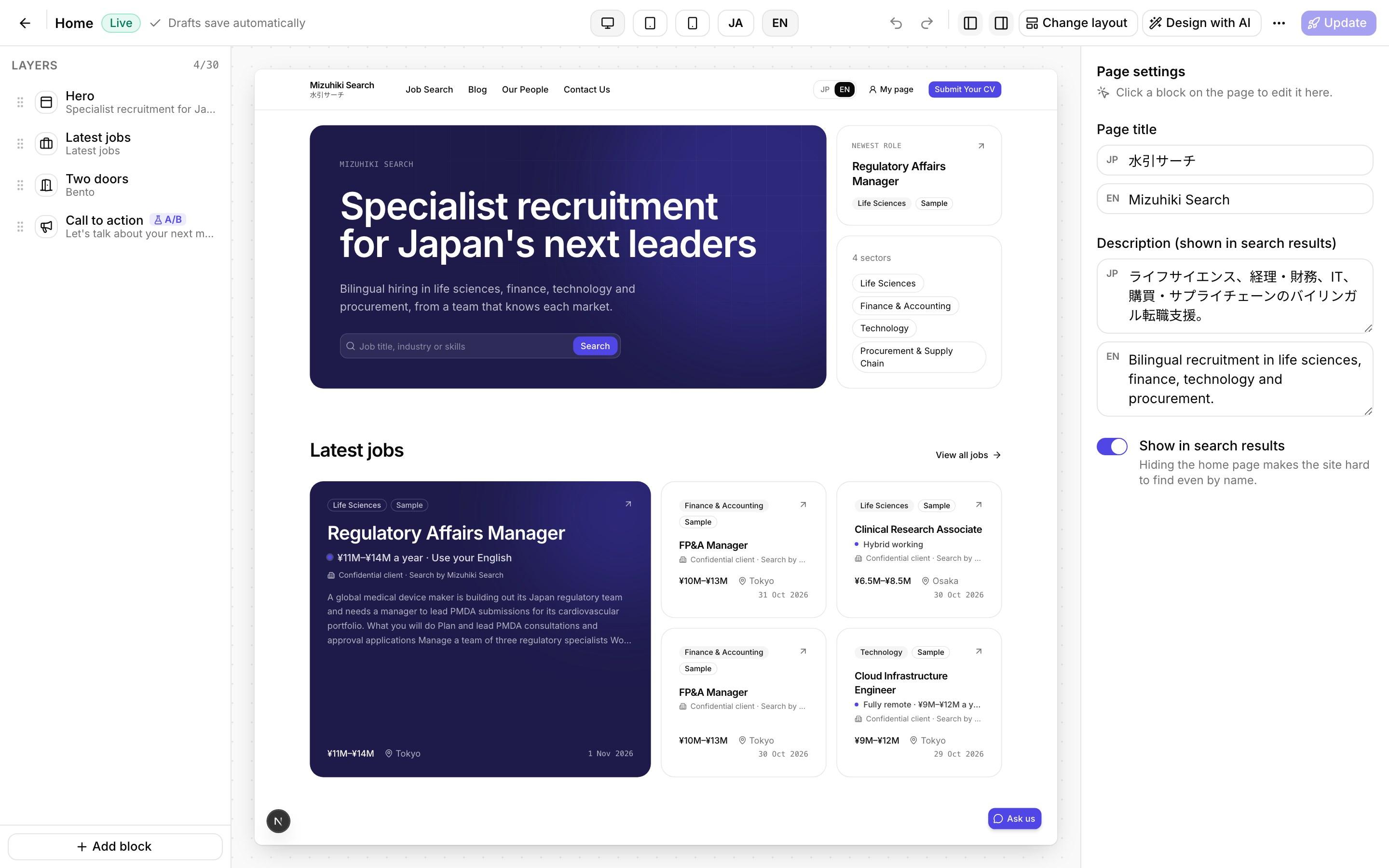
We'll rebuild your home page and a job page with your real jobs, on a private link, and open the admin for you to try.
Start free trial