Guided Setup: From Your Preview to Launch, Step by Step
Six chapters take your team from checking what moved over to going live. Steps tick themselves off from your data, so the list always shows what's really left.
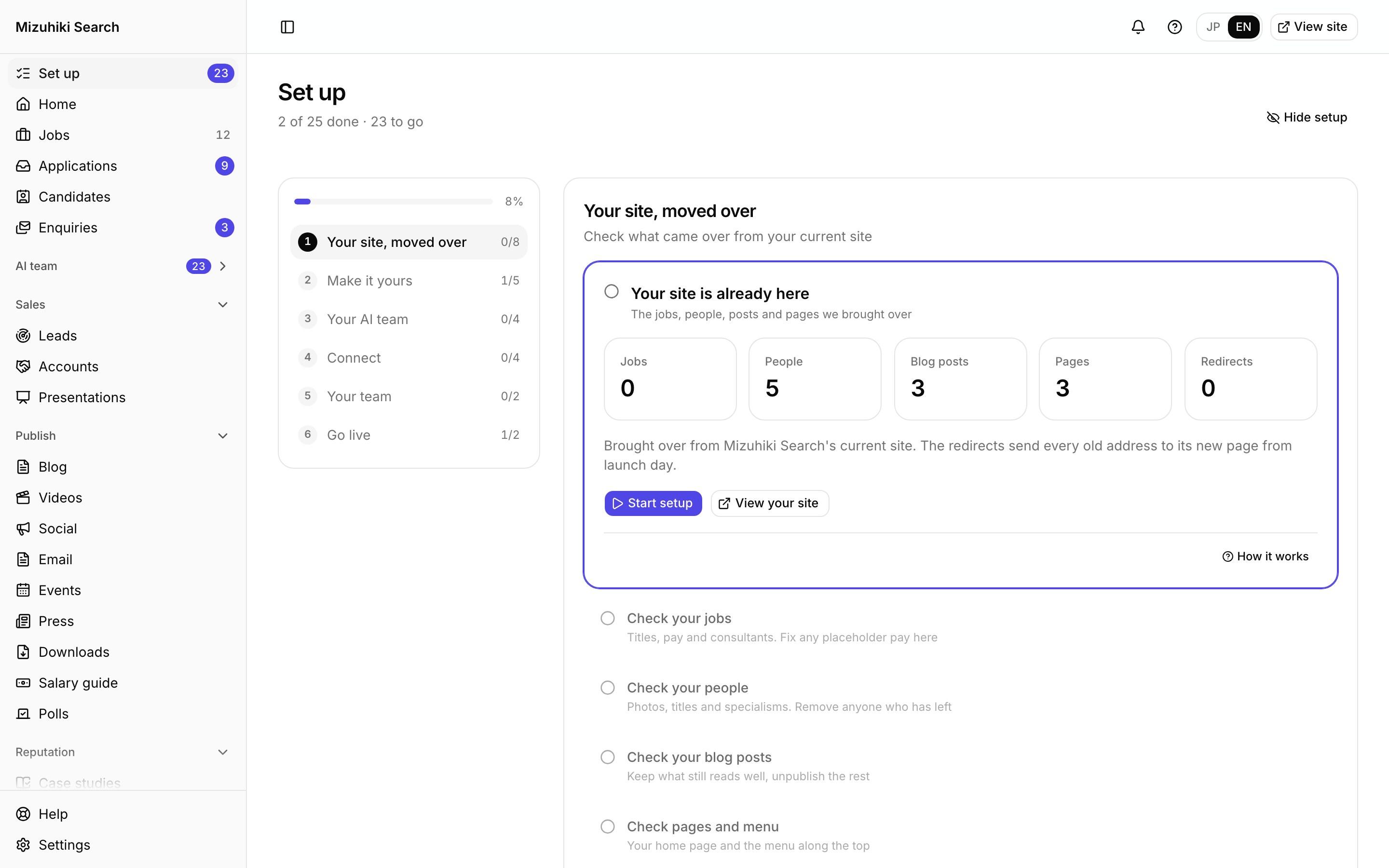
Real screens from Mizuhiki Search, a demo agency. Every name and figure on them is a sample.
How it works
Everything to do before launch, in order
01 · Six chapters
One list, from moved over to live
Your site, moved over. Make it yours. Your AI team. Connect. Your team. Go live. Each chapter shows how many of its steps are done.
Admin · Set upOpen it live02 · Help
Every screen, explained
Each step links to the Help article for the screen it opens, and every screen has a ? button that opens the articles about it.
Admin · Help Open it live
03 · Help article
Short, practical articles
What a screen does, what's sample data on a preview, and what switches on at launch.
Admin · Help · Guided setup Open it live
The Details That Matter
Done from data
A step with something to read, a logo, a domain or a colleague, ticks itself off when it's there.
Four questions first
Your answers decide which features and agents are suggested. Nothing is hidden, only folded away.
Nothing missed
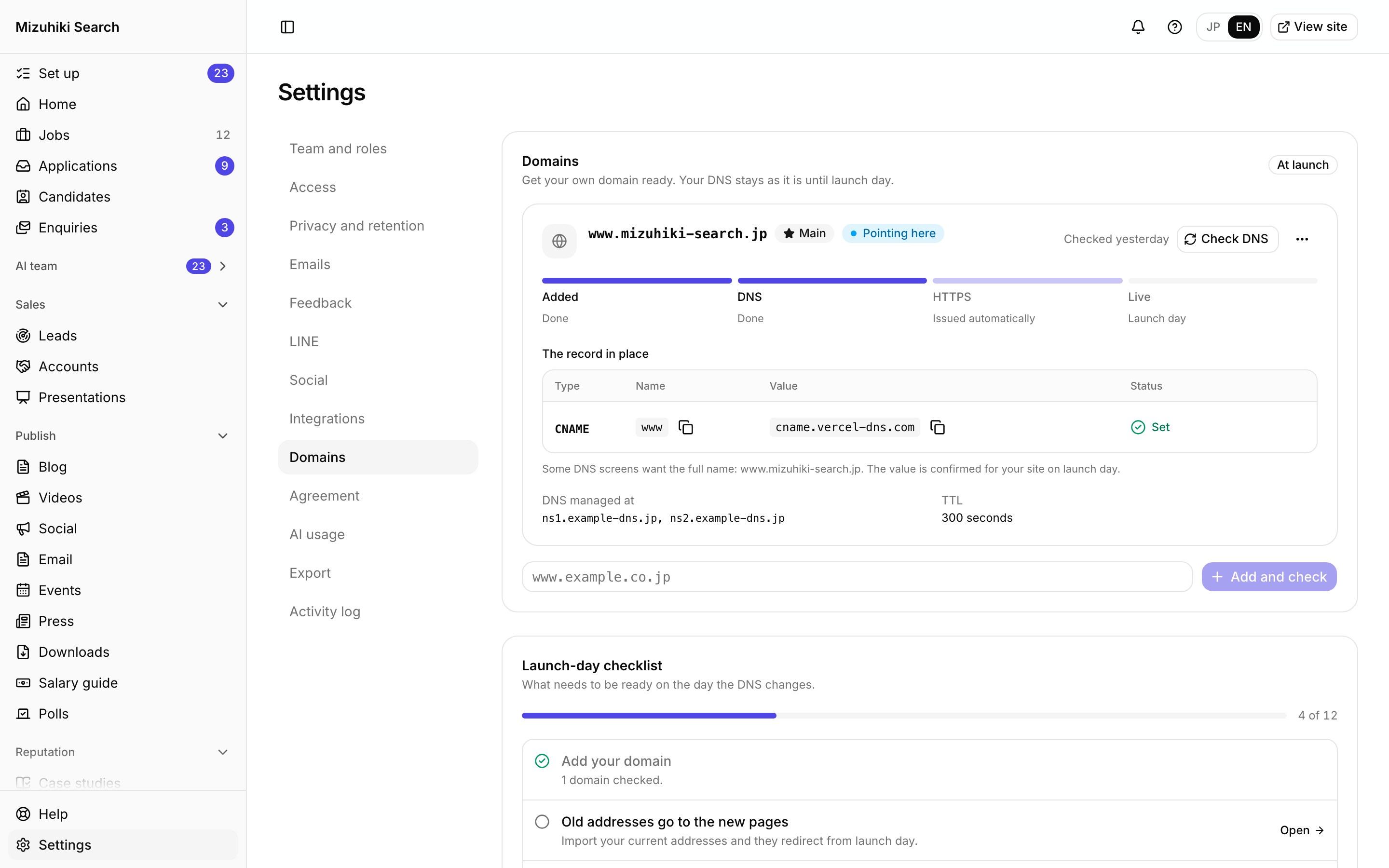
Everything the site needs from you before launch, from sender details to retention, has its own step.
With you on the day
Launch day is done with your AirTA contact, from the checklist at the end of setup.
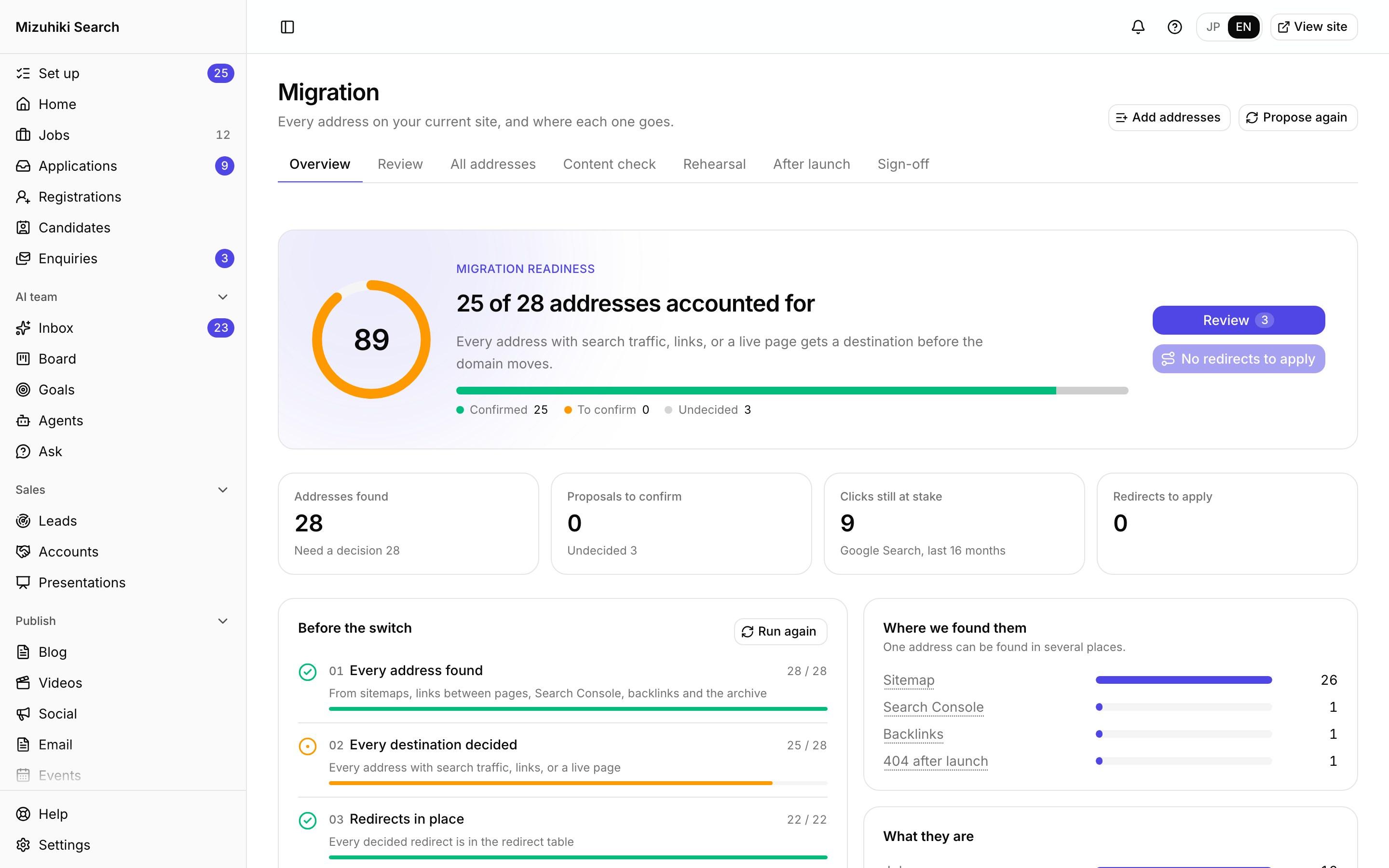
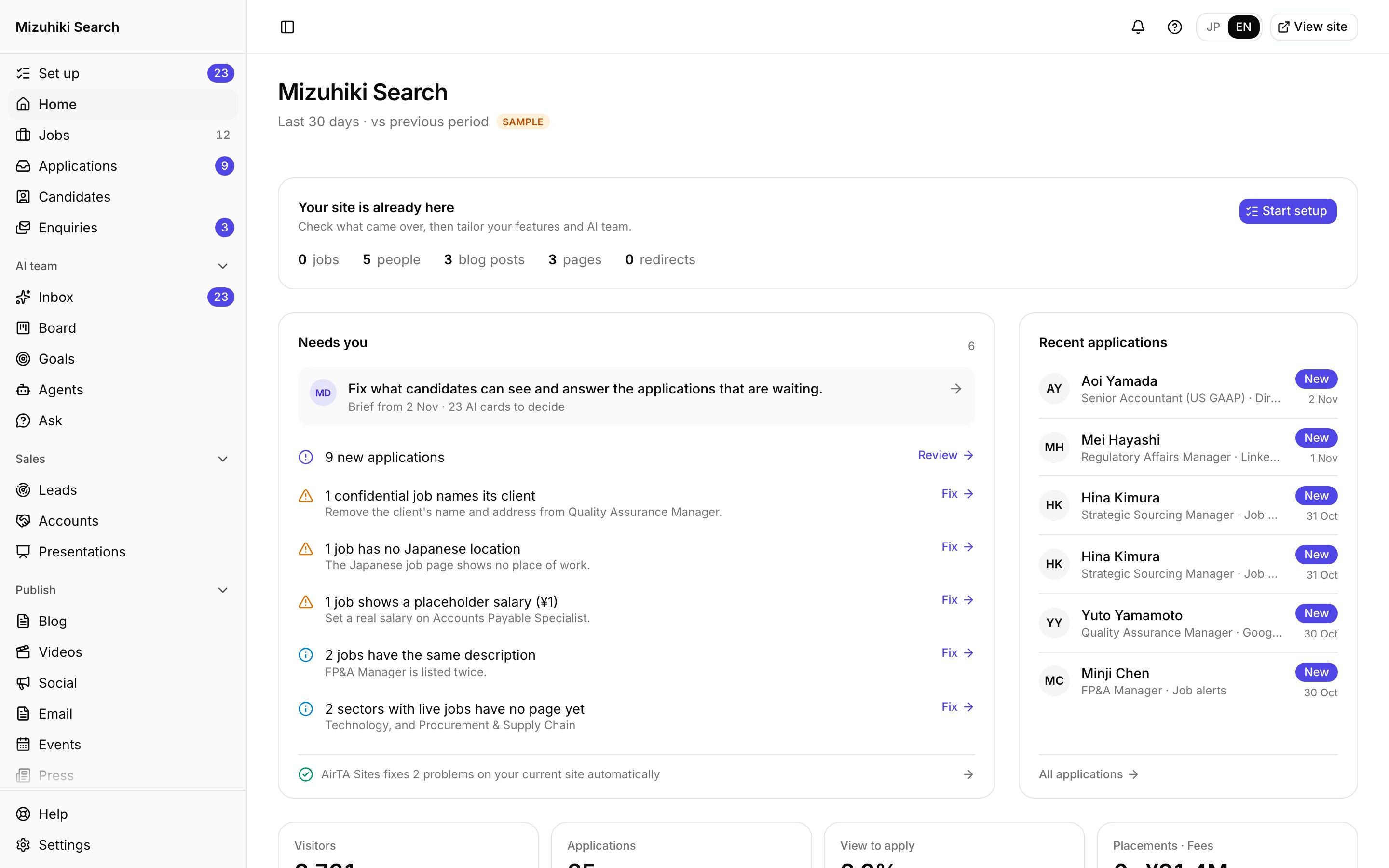
See It on Your Own Agency
We'll rebuild your home page and a job page with your real jobs, on a private link, and open the admin for you to try.
Start free trial