Ask Your Team and Publish What They Say
Send your consultants a few questions from a blog post or a sector page. Each gets a private link, answers in their own words, and you choose which answers appear.
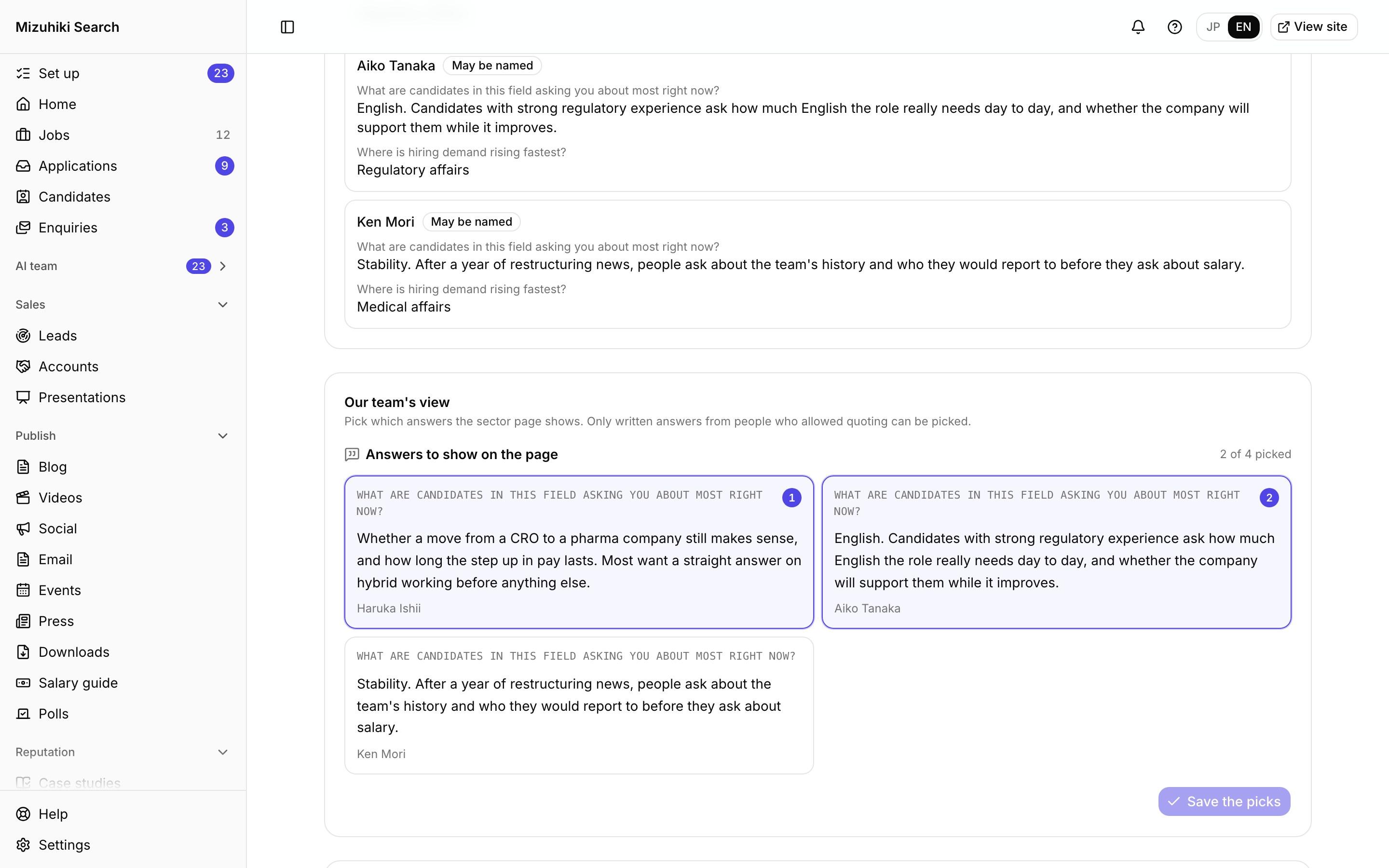
Real screens from Mizuhiki Search, a demo agency. Every name and figure on them is a sample.
How it works
Your team's knowledge, in their own words
01 · From a post
Questions while the post is being written
At the Team insights step, send up to 8 questions, written or multiple choice, to the people who know. The draft is then written with their answers.
Admin · Blog · Project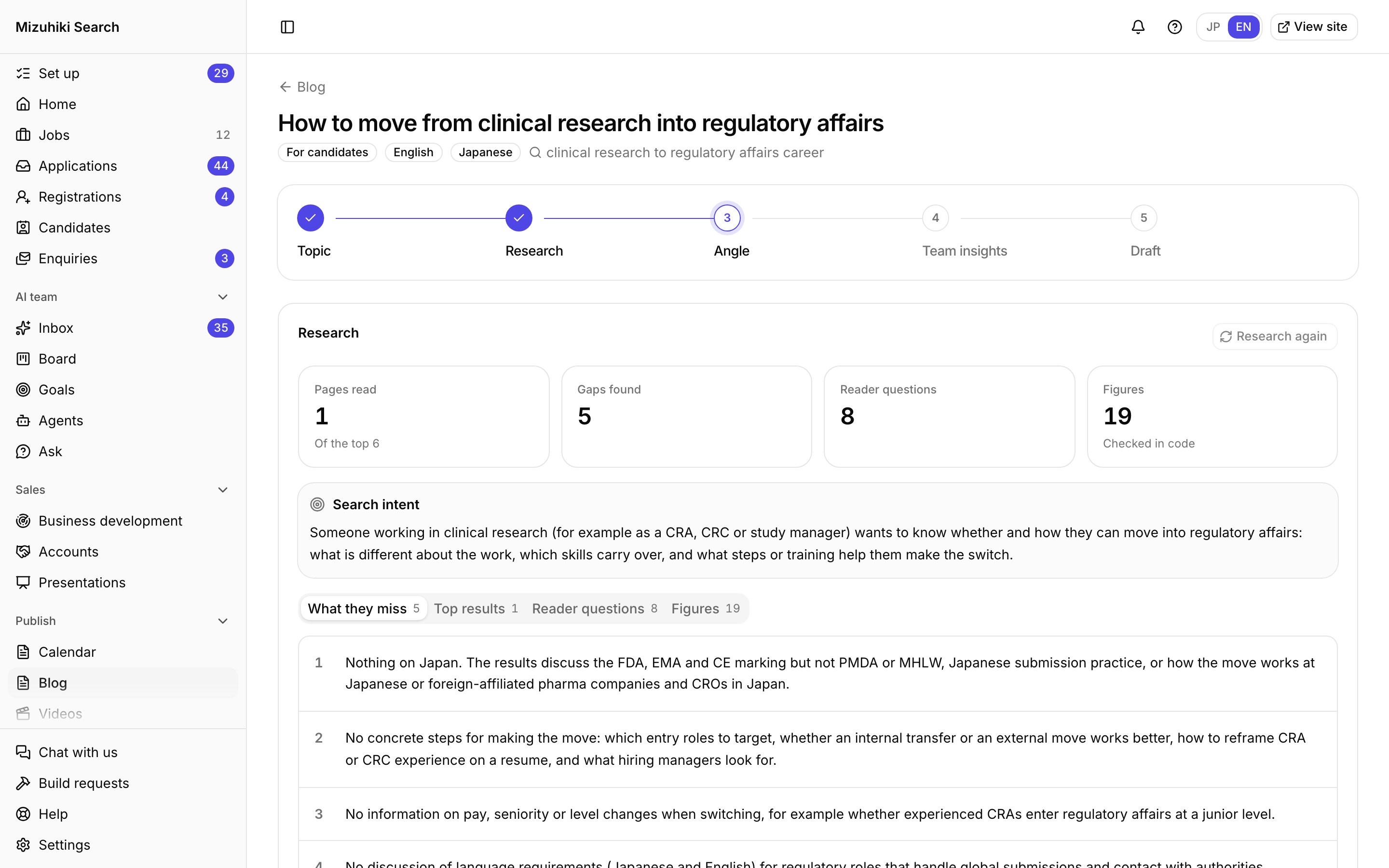 Open it live
02 · From a sector
A team view on every sector page
Ask the consultants who recruit in a sector, then pick the answers worth showing as "Our team's view".
Admin · Sectors · SectorOpen it live03 · On the site
Quoted where it counts
Chosen answers appear on the sector's page with the consultant's name and the date.
Admin · Sectors Open it live
The Details That Matter
A private link each
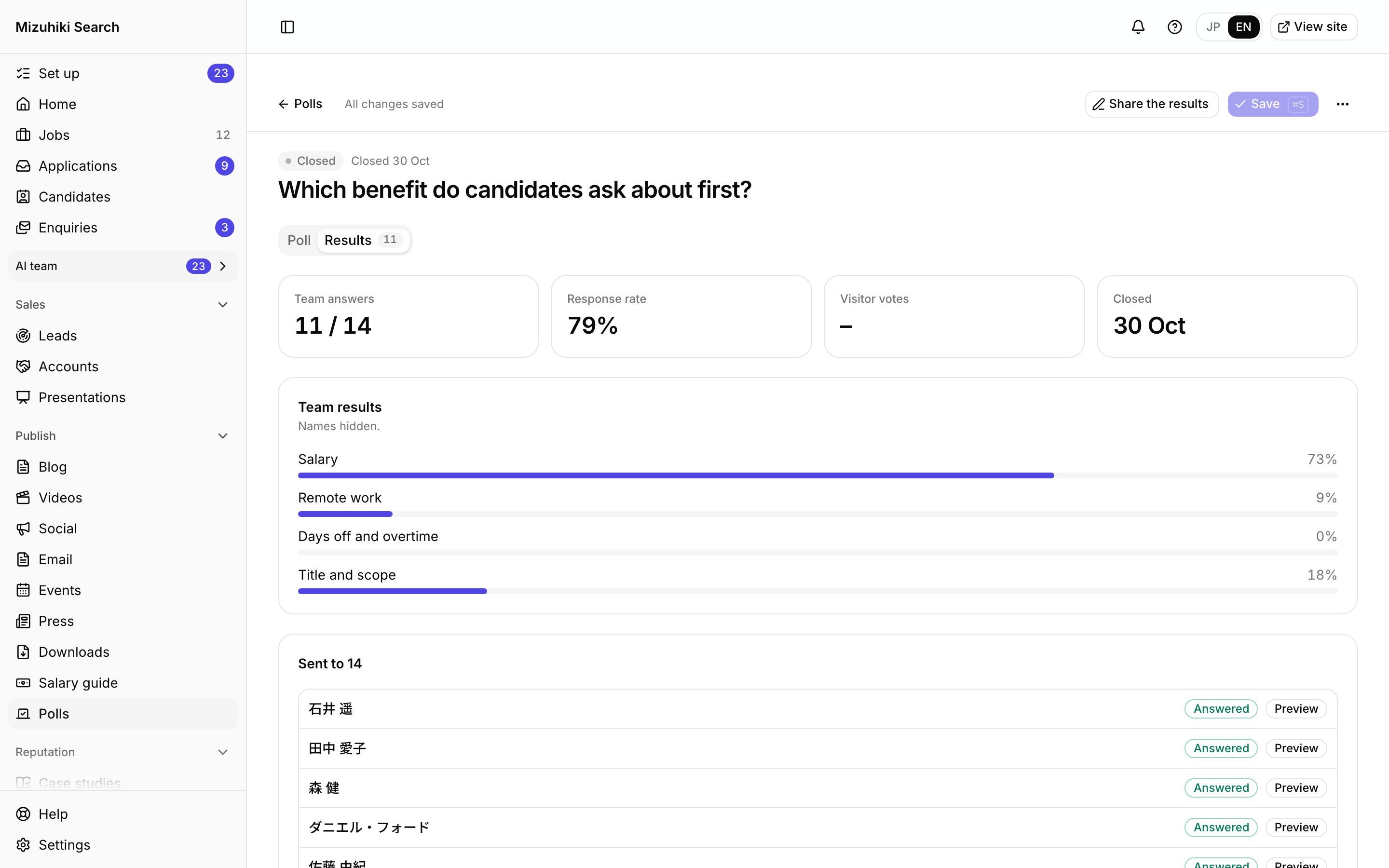
Every person gets their own link, or share one team link with a code in Slack, LINE or Teams.
Open for two weeks
A request takes answers for 14 days, then closes on its own.
Your choice, their permission
Nothing appears until you pick it, and only written answers from people who allowed quoting can be picked.
Never to an agent
Team members' emails and answers stay out of the AI agents' data.
See It on Your Own Agency
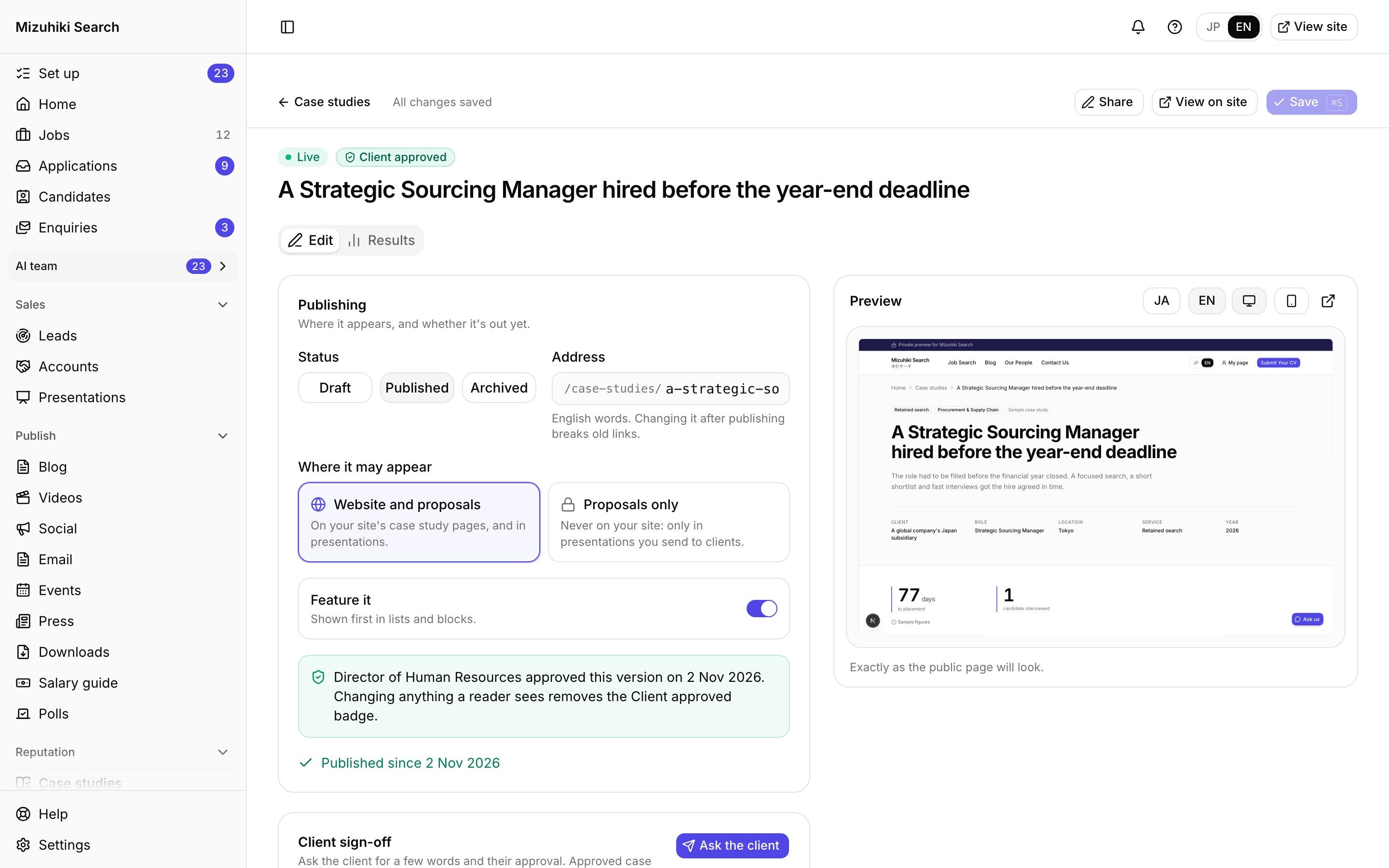
We'll rebuild your home page and a job page with your real jobs, on a private link, and open the admin for you to try.
Start free trial